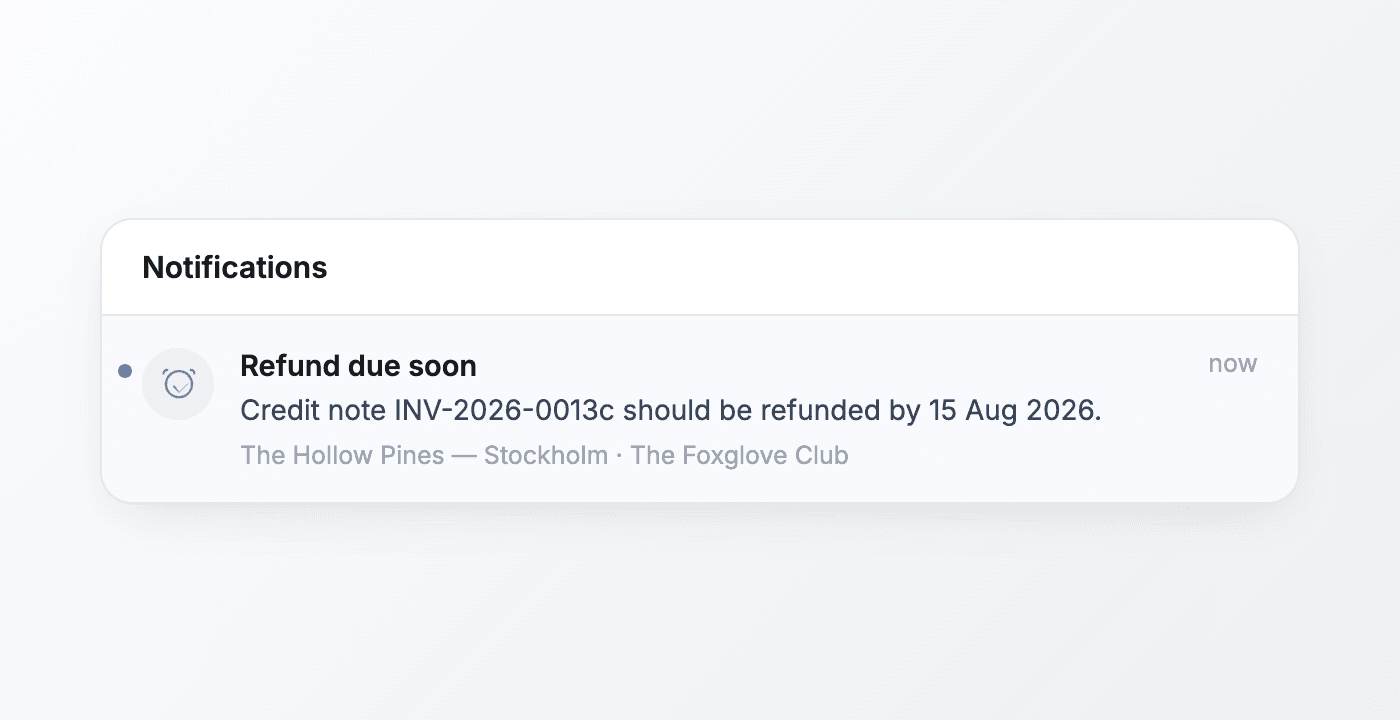
Offstage, now on your phone
The whole agency now travels in your pocket: shows, contracts, updates, tasks, and the full analytics suite, all a real mobile experience.
Offstage was built desktop-first, and the phone was always the place you couldn't quite get work done. That changes with this release: the whole agency now travels in your pocket.
Every core surface (your calendar, a show and its contract, the latest updates, your tasks, and the full analytics suite) is now a real mobile experience designed for the phone in your hand. The booker standing in a venue between soundcheck and doors can get real work done from there.
Your whole workflow, pocket-sized
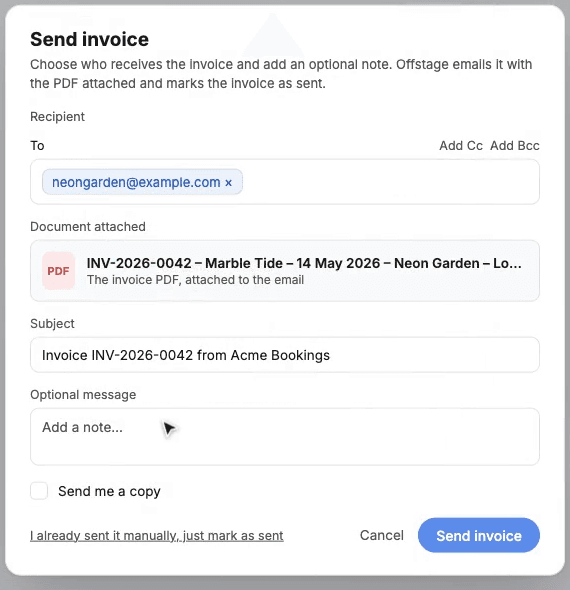
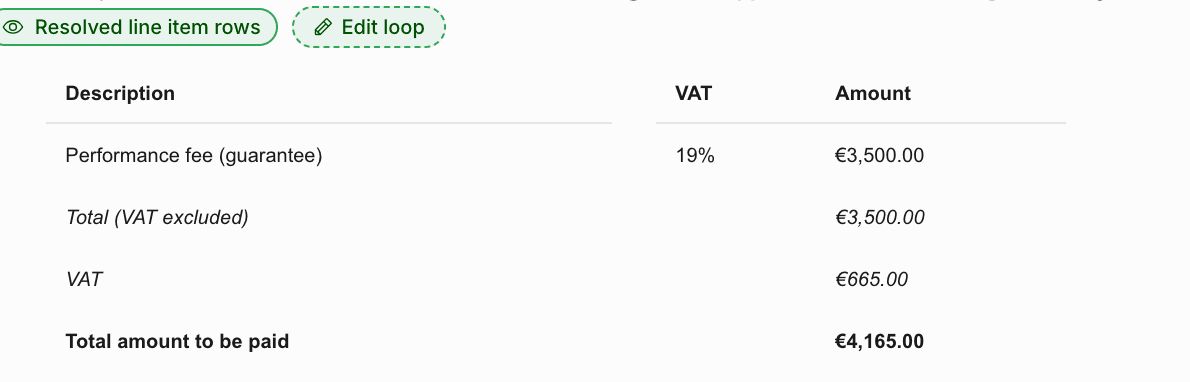
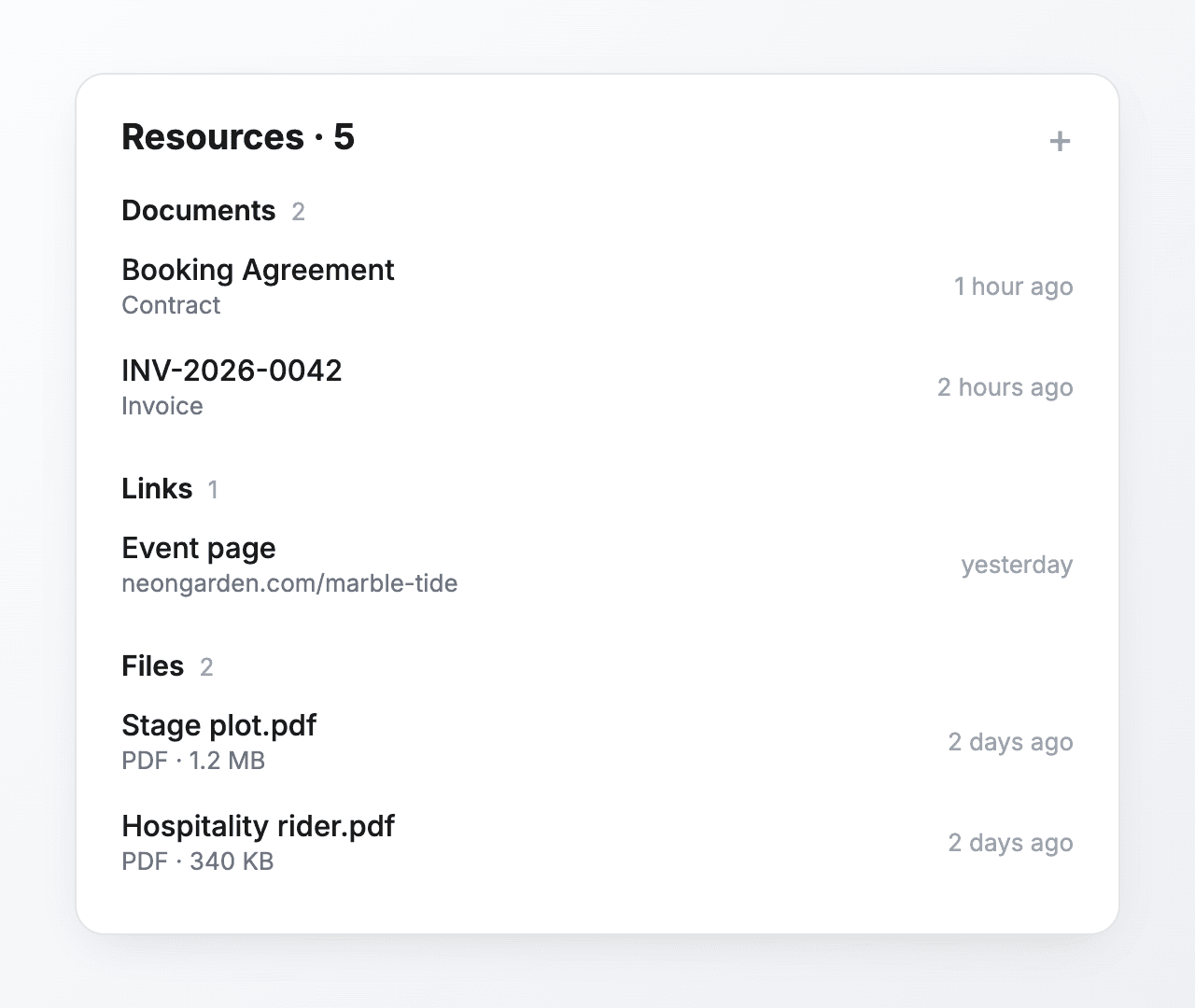
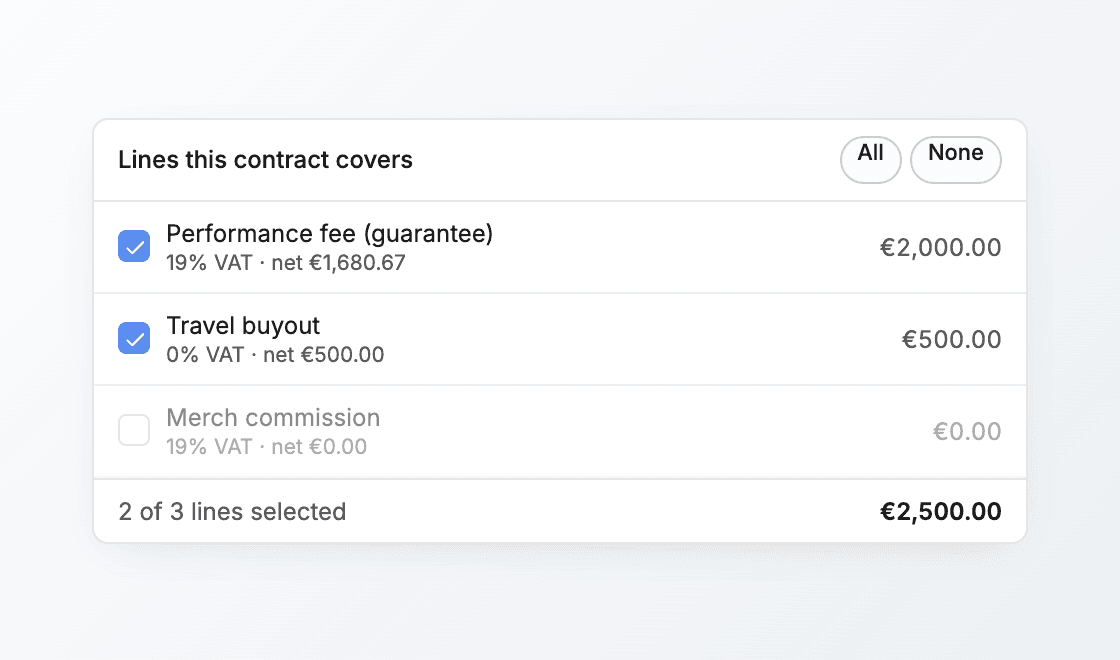
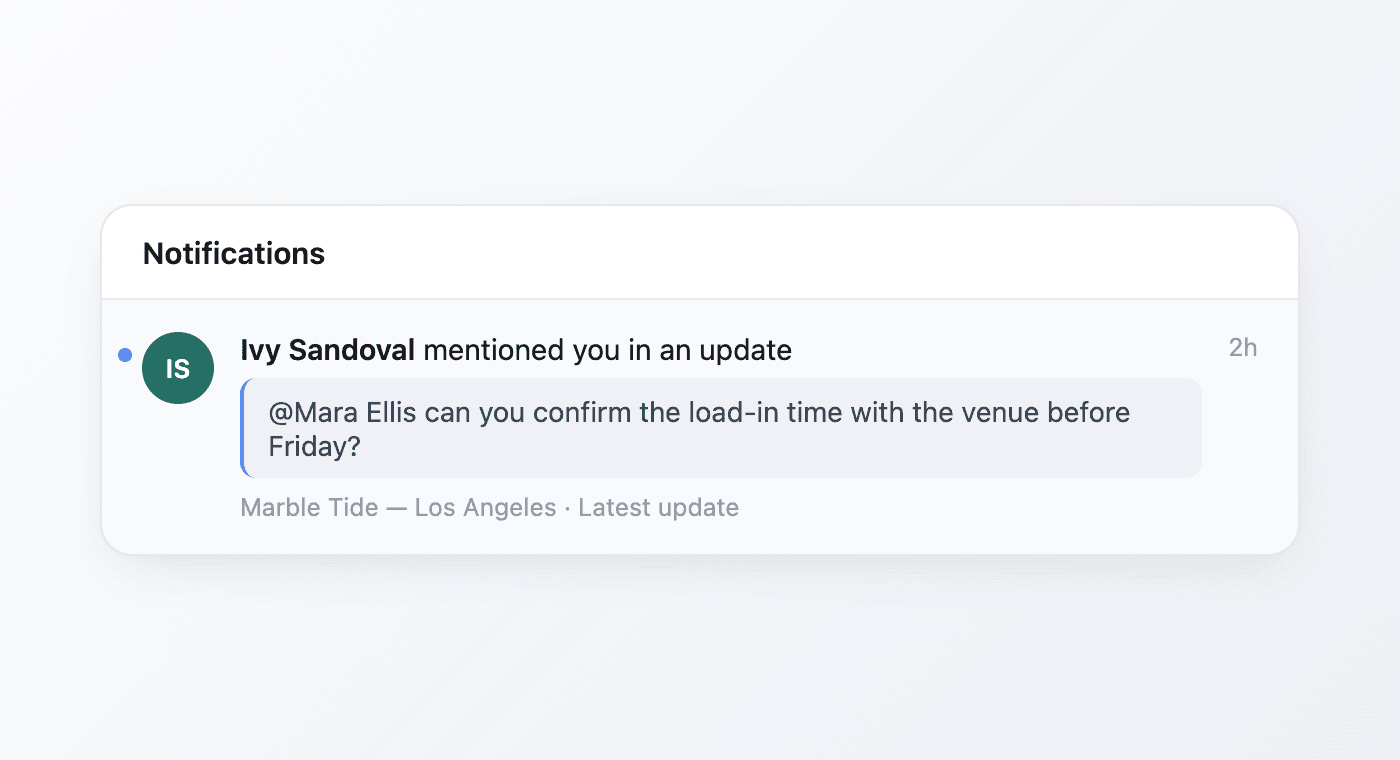
From your phone you can open any show and read or edit its details, jump straight into its contract or invoice, post a latest update and @mention a teammate to hand work off, work through your tasks, and pull up the numbers. The things you used to leave until you were back at a desk now happen wherever you are.
Built for one hand, on the move
The navigation collapses into a bottom tab bar you can reach with your thumb, long tables scroll cleanly instead of spilling off the edge, dialogs and pickers open as full-width sheets, every button is a comfortable tap target, and scrolling stays smooth from top to bottom.
Analytics that travel with you
The whole analytics suite works on the phone. Tap into a venue's performance, scroll the month-over-month revenue from the shows you booked there, and tap any bar to break that month down into the individual shows. It is the same picture you would see on your laptop, in your hand at the venue.
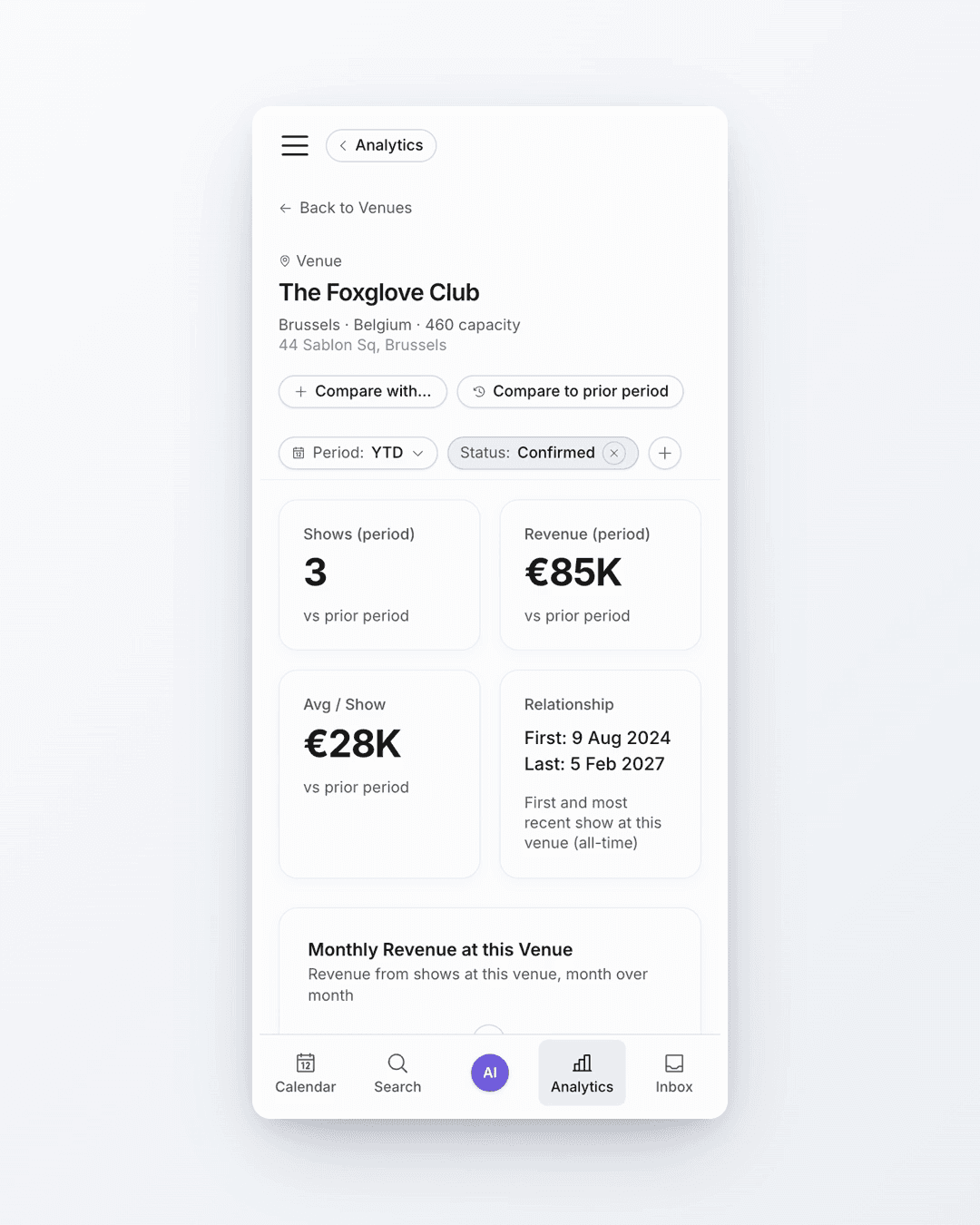
Tap a month, see the shows behind it
Every number stays explorable. Tapping a revenue bar opens that month's shows right there, so a figure is never a dead end, it is a way in.
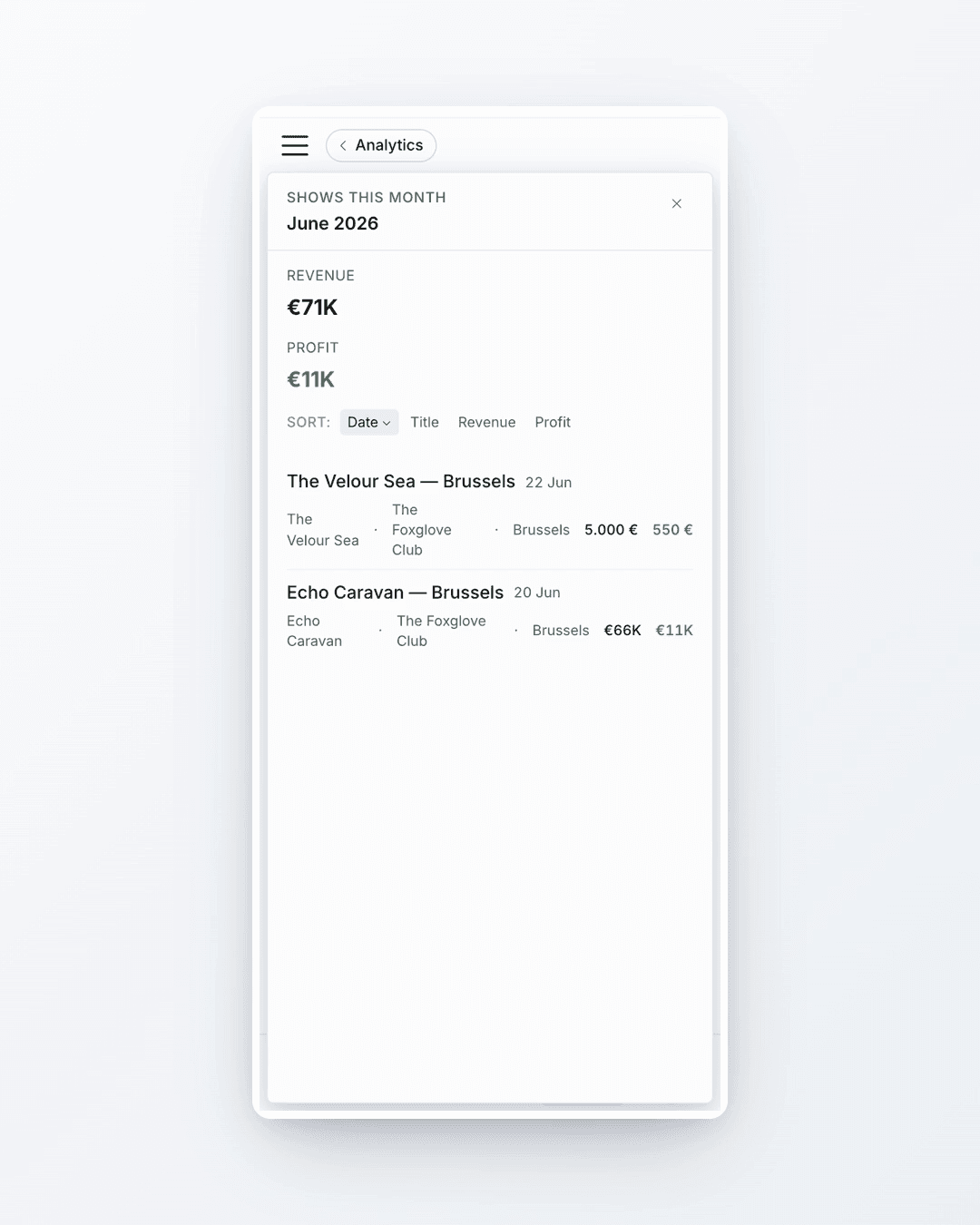
The same Offstage you use at your desk
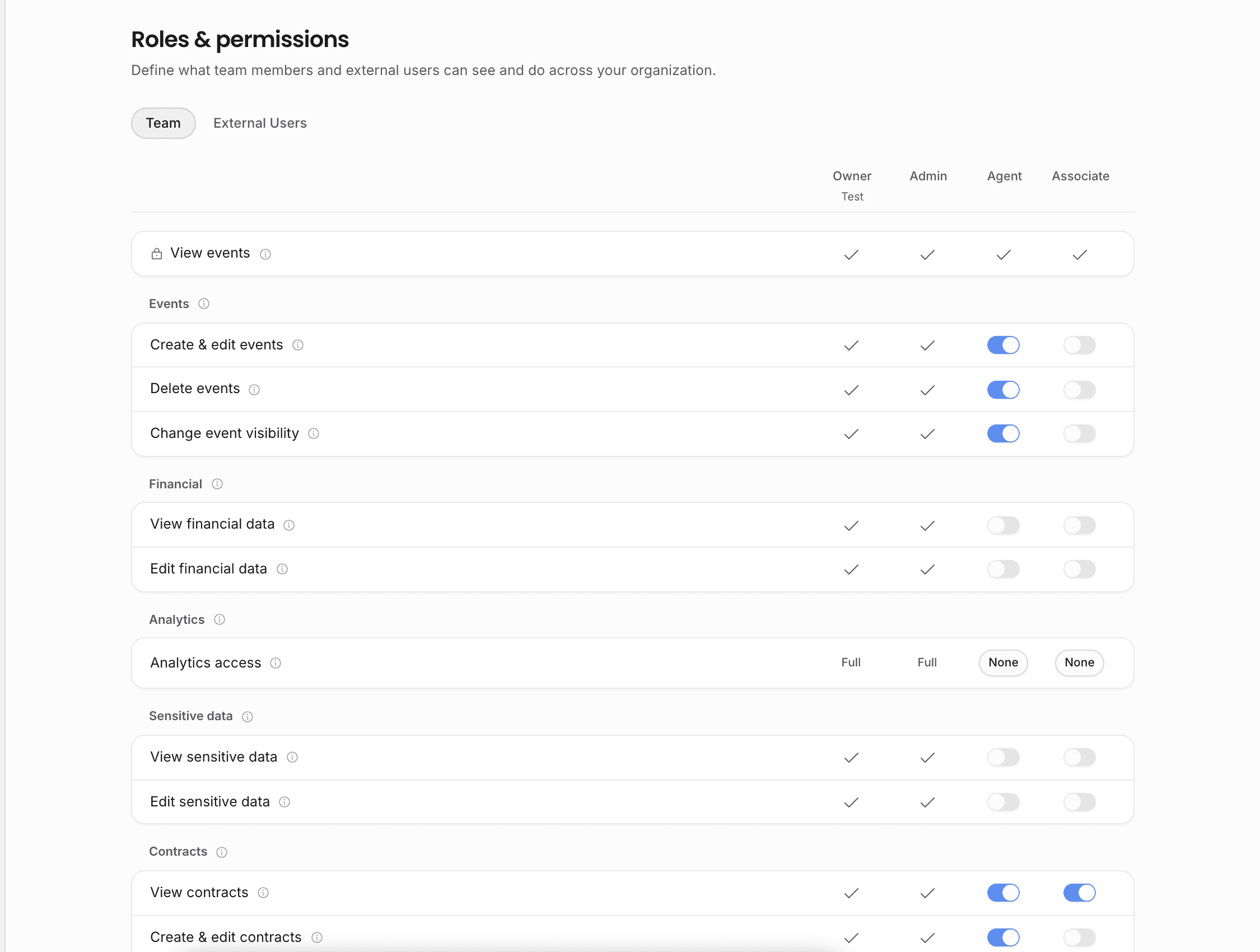
It is the same live data, the same permissions, and the same documents as the desktop. What you change on your phone is instantly on your laptop, and a teammate's edit shows up on your screen. There is nothing extra to install: open Offstage in your phone's browser at itsoffstage.com, sign in, and everything is there.