
Add an artist
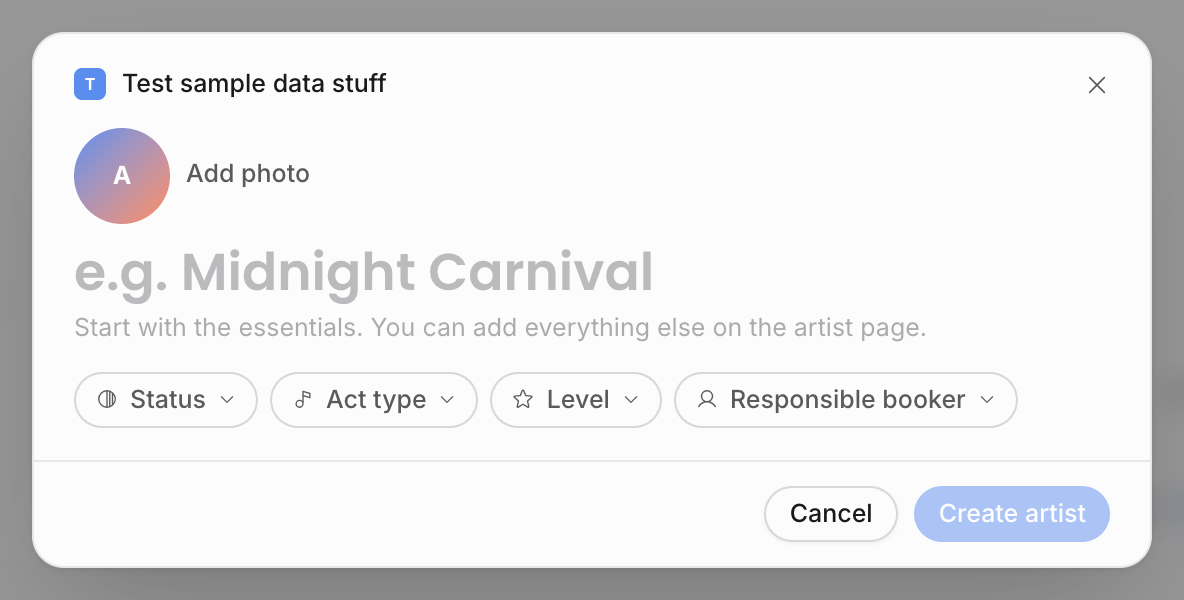
Create artists from the Add artist action without starting on an empty detail page. The quick-create modal asks for the artist name and lets you add a few useful starting details; after creation, Offstage opens the saved artist page and autosaves later changes field by field.
Quick-create an artist
- 1Open Artists.
Open Artists from the workspace navigation and choose Add artist. The same modal also opens from other artist-creation entry points, including global creation. You need permission to create and edit contacts.
- 2Enter the artist name.
The name is the only required field. Use the act name teammates will recognize when searching, creating bookings, or selecting an artist in documents.
- 3Add useful starting details.
Click the image area to add an optional photo. You can also choose status, act type, level, and responsible booker. These controls are optional and use the same values as the corresponding fields on the artist page.
- 4Create the artist.
Choose Create artist. Offstage creates the roster record first and then opens its detail page. From that point onward, editable fields and relationships save as you change them—there is no page-wide Save button.
If your own access is limited to a specific artist scope, a new artist you create is added to your scope automatically so you do not lose access immediately after saving.
The Add your first artist tutorial follows this modal flow and then introduces the saved artist page. See Guided tutorials.
Work from the roster table
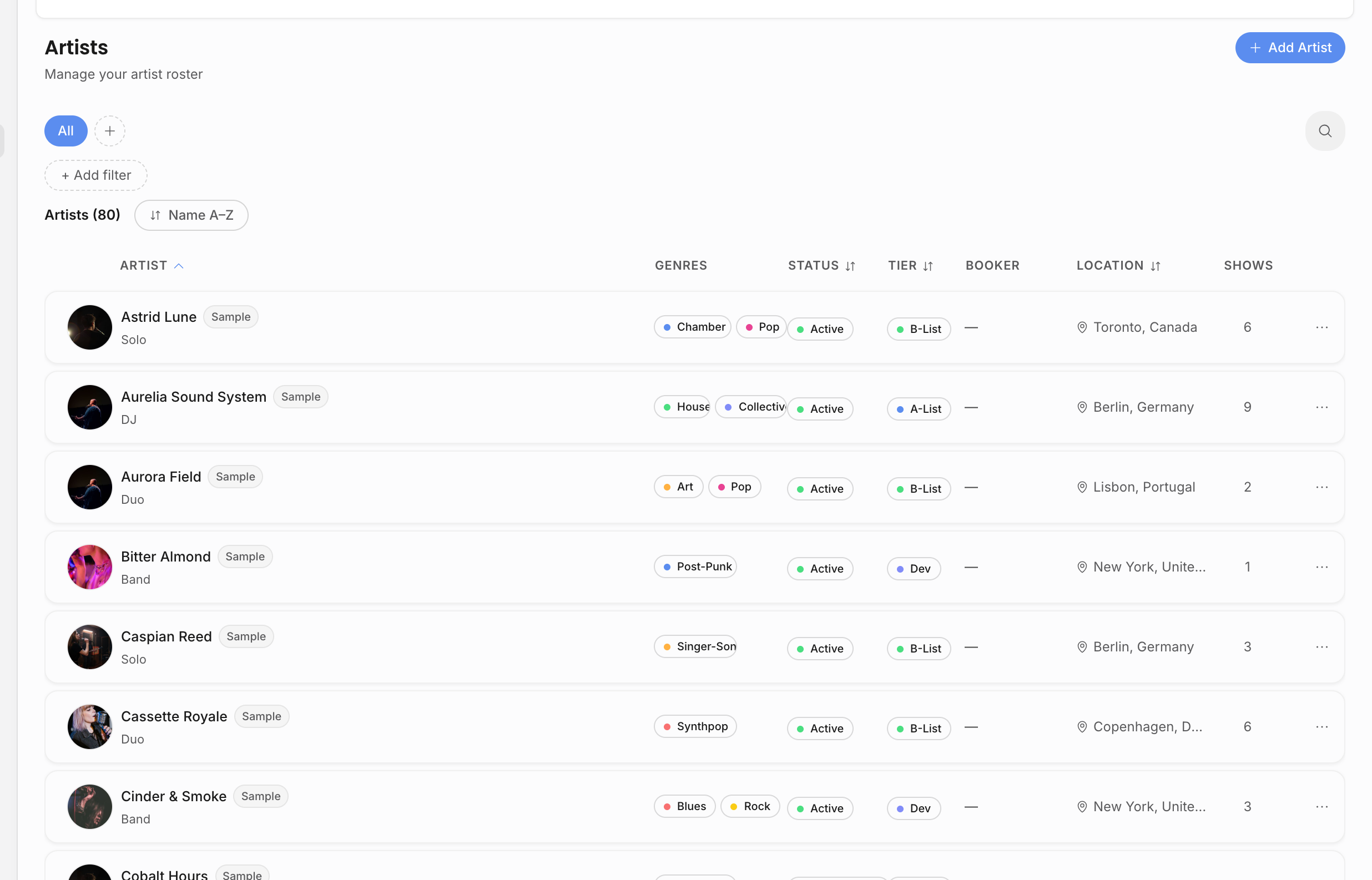
The Artists page is the roster browser. It is built for larger rosters, so it does not only search the rows currently visible on screen.
| Control | What it does |
|---|---|
| Search | Searches artist name, location, and genre across the scoped roster. |
| Filters | Narrow by status, genre, tier, or responsible agent. |
| Saved views | Reuse useful filter combinations for roster management. |
| Sort | Sort by name, status, tier, location, or creation date. |
| Row actions | Open the artist, create an artist document, or delete the artist when deletion is allowed. |
Delete is intentionally limited: an artist with existing shows cannot be deleted from the roster, because those bookings still need their artist reference.
Complete the artist page
| Area | Use it for |
|---|---|
| Header, bio, and properties | Name, status, tier, act type, genres, public-roster flag, first and last show, and responsible bookers. |
| Contact and team | Main email, phone, website, structured address, legal name, and linked people such as managers or day-to-day contacts. |
| Resources | Artist documents, external links, riders, press kits, and uploaded files that belong to the artist generally. |
| Lineup | Band members, performers, touring crew, and sensitive person details when permitted. |
| Social and performance | Social URLs, set length, technical requirements, hospitality requirements, capacity range, target markets, and similar booking context. |
| Travel | Flight class, hotel preference, ground transport notes, visa notes, and tax residency context. |
| Booking terms | Territory, exclusivity, contract dates, renewal details, minimum fee, commission, booking targets, and commercial defaults. |
| External agencies | Other agencies connected to the artist, including territory, commission, exclusivity, agreement status, and approval requirements. |
| Billing and banking | Billing recipient data, VAT/payment terms, and bank details. These fields depend on financial permissions. |
Why this matters later
Artist records power show creation, the artist's event history, artist-level documents, contract and invoice pills, artist-scoped permissions, and analytics. A clean roster makes it easier to compare artist performance, give team members the right access, and reuse the same facts in documents instead of retyping them.
Related pages: