
Credit notes
A credit note reduces or reverses invoiced value. Use it when an invoice needs a correction, cancellation, partial credit, or refund record.
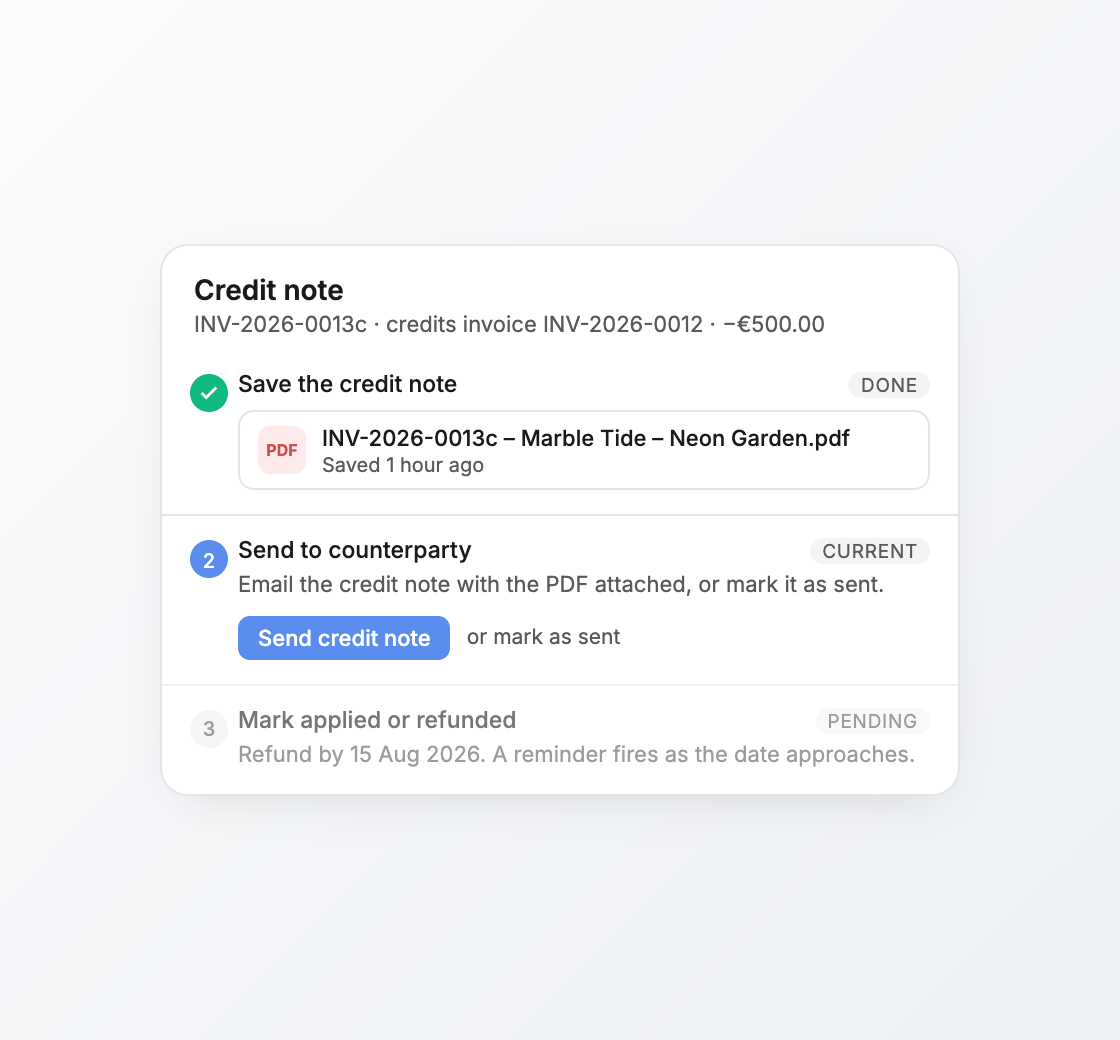
How credit notes relate to invoices
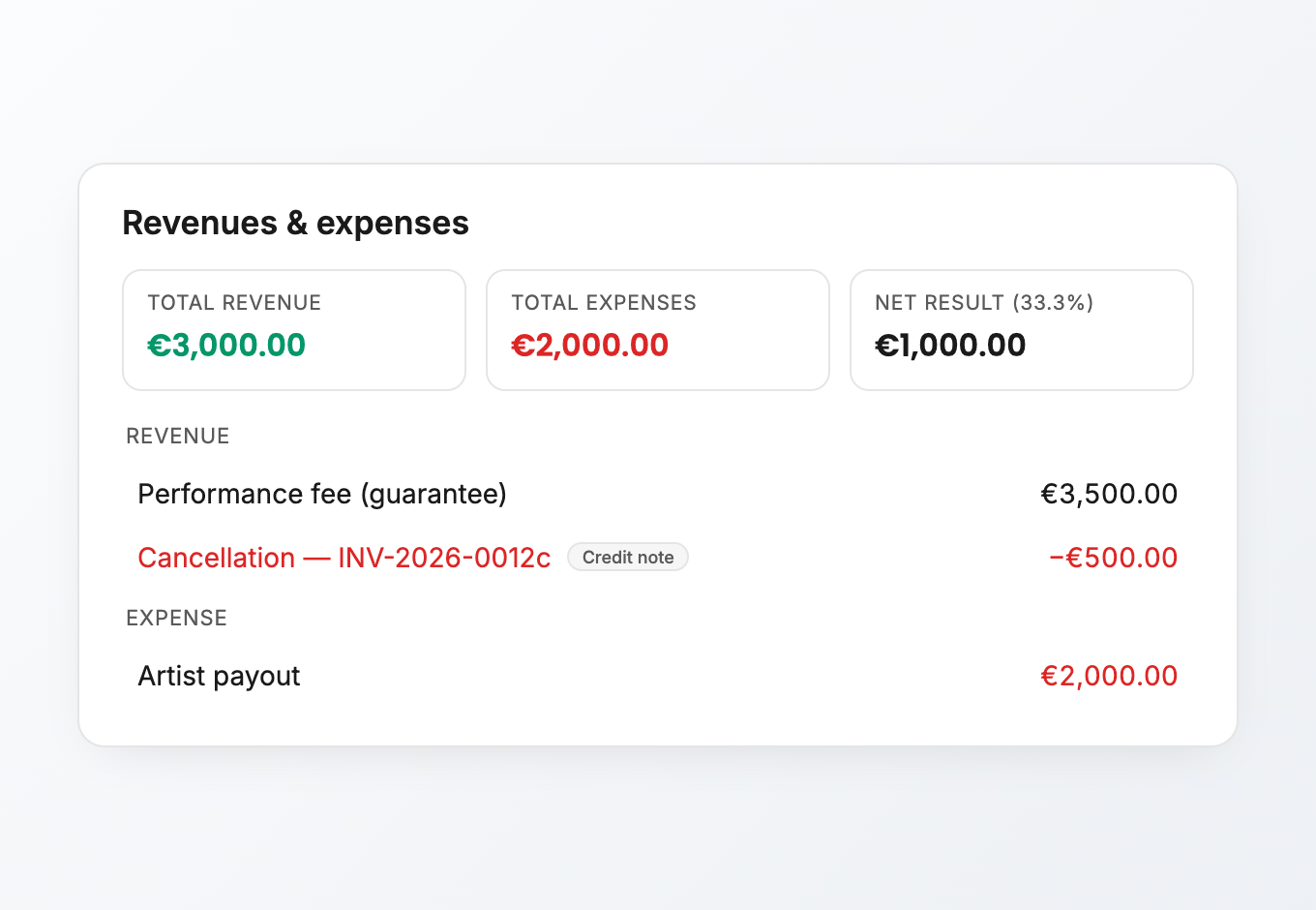
A credit note can point back to the invoice it corrects. It has its own document body, status, sent timestamp, and settlement state. Its number comes from the same yearly invoice sequence, with a trailing c suffix to mark it as a credit note, for example INV-2026-0013c. It can also post negative line items back to the show, so the event's financial picture stays understandable.
Because a credit note is also a document-backed financial record, it shares the invoice editor pattern: live pills, counterparty context, a properties rail, send flow, activity, and PDF handling. The important difference is the financial meaning. An invoice is collected through the payment ledger; a credit note reduces, cancels, applies, or refunds value.
Typical flow
- 1Open the invoice.
Use the invoice menu to create a credit note when the original invoice needs correction.
- 2Choose the credited lines or amount.
Keep the credit tied to the event value it corrects.
- 3Send the credit note.
Email the PDF to the counterparty, the same way you send an invoice.
- 4Settle it.
Mark it applied when it offsets an open balance, or refunded when money has gone back out.
Status and settlement
Credit notes have a separate status path from invoices:
| Status | Meaning |
|---|---|
| Draft | The credit note is still being prepared. |
| Sent | The PDF has been sent to the counterparty. |
| Settled | The credit has been applied against a balance or refunded. |
| Void | The credit note was cancelled and should not affect collection. |
Credit notes do not become Paid, Partial, or Overdue because they are not collected through the invoice payment ledger. They either remain open after sending, get settled, or get voided.
Apply or refund
Use applied when the credit offsets money still owed on the invoice. Use refunded when money has gone back out to the counterparty. Keeping that distinction clear makes it easier to understand whether the invoice was reduced internally or cash actually left the agency.
Cancelling a credit note is different from voiding a normal invoice: cancelling removes the credit lines that the note posted back to the event's revenues, while keeping the credit note number as an audit record.
Credit notes are not payments
Payments record cash received. Credit notes record value you no longer expect to collect, or value you are returning. Keeping those concepts separate makes invoice status and event revenue easier to audit.
If you only received a partial payment, record a payment on the invoice. If the amount owed changed, create a credit note.