
How your workspace stays private
Every agency gets its own private workspace. Inside that workspace, Offstage uses several access layers: membership, roles, individual permissions, artist scope, record visibility, document sharing, and external-user access. This page explains those layers from a user point of view.
For the broader idea of what belongs to an agency workspace, read Workspaces and agencies.
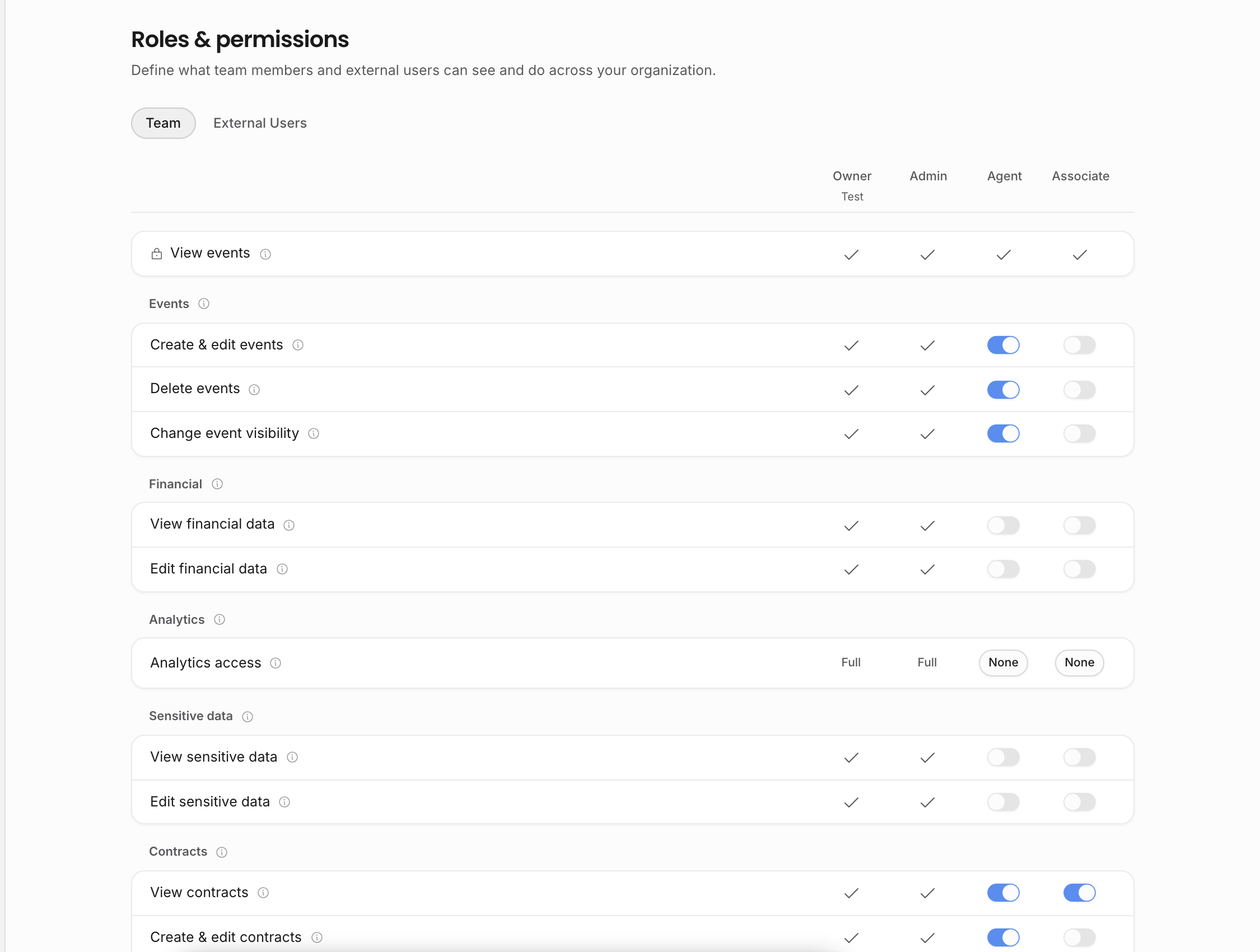
Layer 1: workspace membership
Only invited members can use the internal workspace. A teammate's membership places them inside the agency, but it does not automatically give them every permission.
If a person belongs to more than one agency, the current workspace decides which records they are looking at. Membership in one agency does not grant access to another agency's artists, shows, contracts, invoices, documents, settings, or analytics.
Layer 2: role, permissions, and artist scope
Roles decide what a teammate can view, create, edit, send, delete, or manage. Owners and admins have reserved management powers; configurable roles and individual overrides handle ordinary agency access.
Artist scope can narrow access for teammates who should only work on selected artists. Scope affects surfaces such as calendar records, artist pages, related documents, analytics, and search results where those records depend on the scoped artists.
Use roles for broad responsibility and artist scope for roster boundaries. For example, a teammate can have calendar access but only for the artists they book, or analytics access that is limited to the events they are allowed to see.
Layer 3: record visibility
Some records add their own visibility layer. A private show is visible only to the person who created it, even inside the same workspace. Internal-only event visibility keeps the record inside the agency and away from external calendar surfaces. Tour calendar visibility decides whether selected event details can be published outside normal workspace navigation.
Document visibility works similarly but with document-specific rules. A document can be limited to its owner, visible to the internal team, or shared through a document invite or share link when the document's settings and permissions allow it.
Layer 4: external access is deliberate
External collaborators do not automatically join your workspace. When you share a document, calendar, or guest-facing surface, the share controls decide exactly what that person can see.
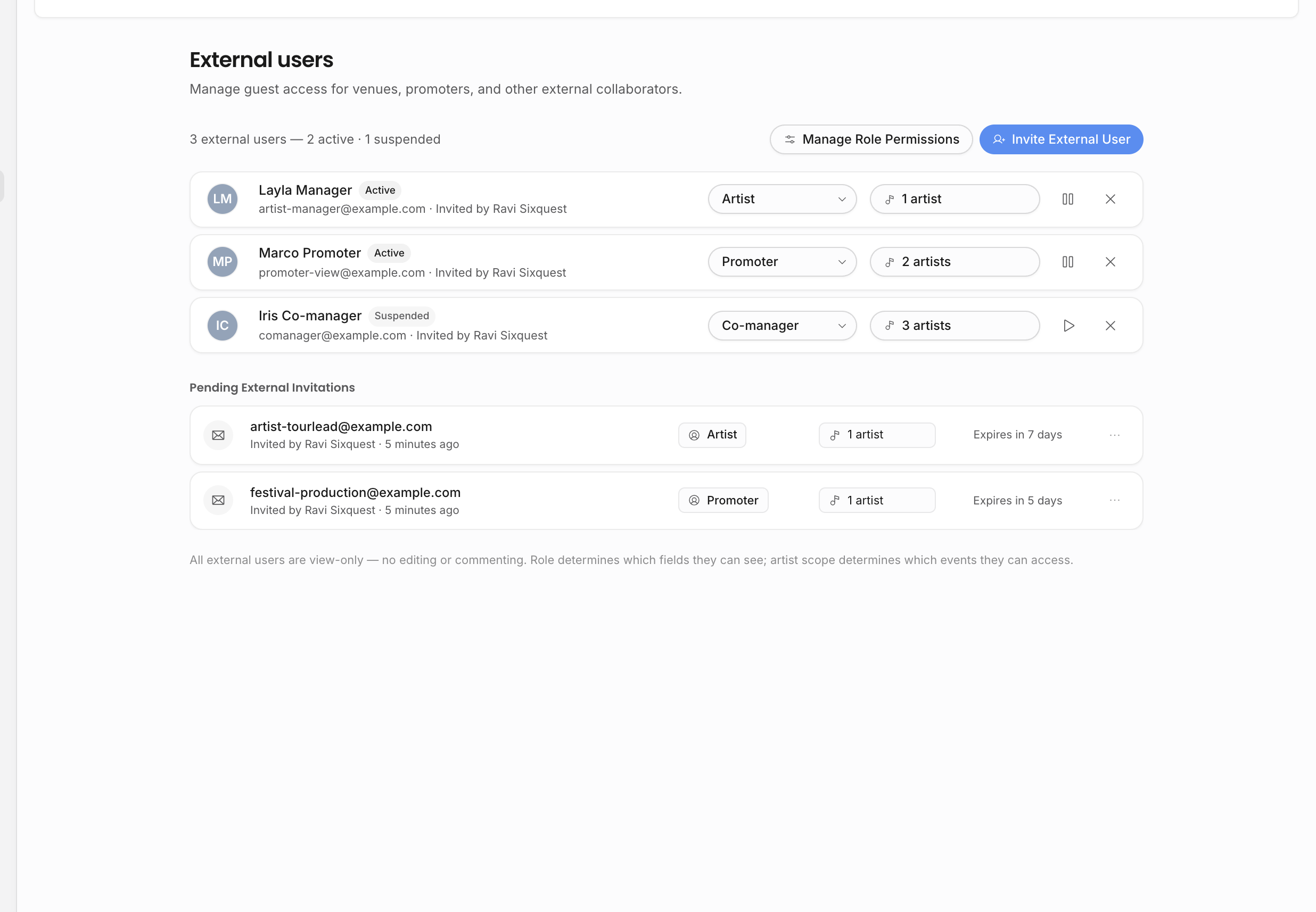
External users are useful when someone outside the agency needs recurring access to selected externally visible events. Document invites are better when someone only needs one contract, invoice, itinerary, advancing note, or draft review.
What to check when something is missing
When a teammate or external collaborator cannot see something, check the layers in order:
| Missing item | Check |
|---|---|
| A whole workspace | Whether the person has accepted the correct agency invitation. |
| A sidebar page or settings area | The person's role and permission overrides. |
| An artist, show, document, contract, invoice, or analytics row | Artist scope and the relevant view permission. |
| A private show or document | Record visibility and owner-only settings. |
| A tour calendar item | Event visibility, draft status, selected artists, and the tour calendar template. |
| A shared document | The document's visibility, invite/share access level, and permission-limited pills or sections. |
Related pages: