
Documents overview
Documents are reusable work products in Offstage. Contracts and invoices are documents with extra lifecycle and financial behavior, but the document system also supports blank documents and itineraries.
Where documents can live
| Location | Use it for |
|---|---|
| Event documents | Contracts, invoices, itineraries, advancing notes, deal memos, production notes, and show-specific resources. Event documents resolve event pills from that show. |
| Artist documents | Artist resources, bios, riders, contact sheets, and reusable materials. Artist documents appear on the artist page and follow artist scope. |
| Organization documents | Team-wide resources and internal documentation. These are useful for reusable agency material that is not tied to one show or artist. |
| Personal documents | Drafts or private working notes tied to one user. A personal document can later be promoted into team visibility when the user has permission to create organization documents. |
Document types
Offstage currently recognizes blank documents, itineraries, contracts, and invoices. Itineraries are event-only. Blank documents can be saved to events, artists, the organization, or your personal workspace. Contracts and invoices use the same editor foundation but normally open through their dedicated contract and invoice workflows because those records add lifecycle and financial controls.
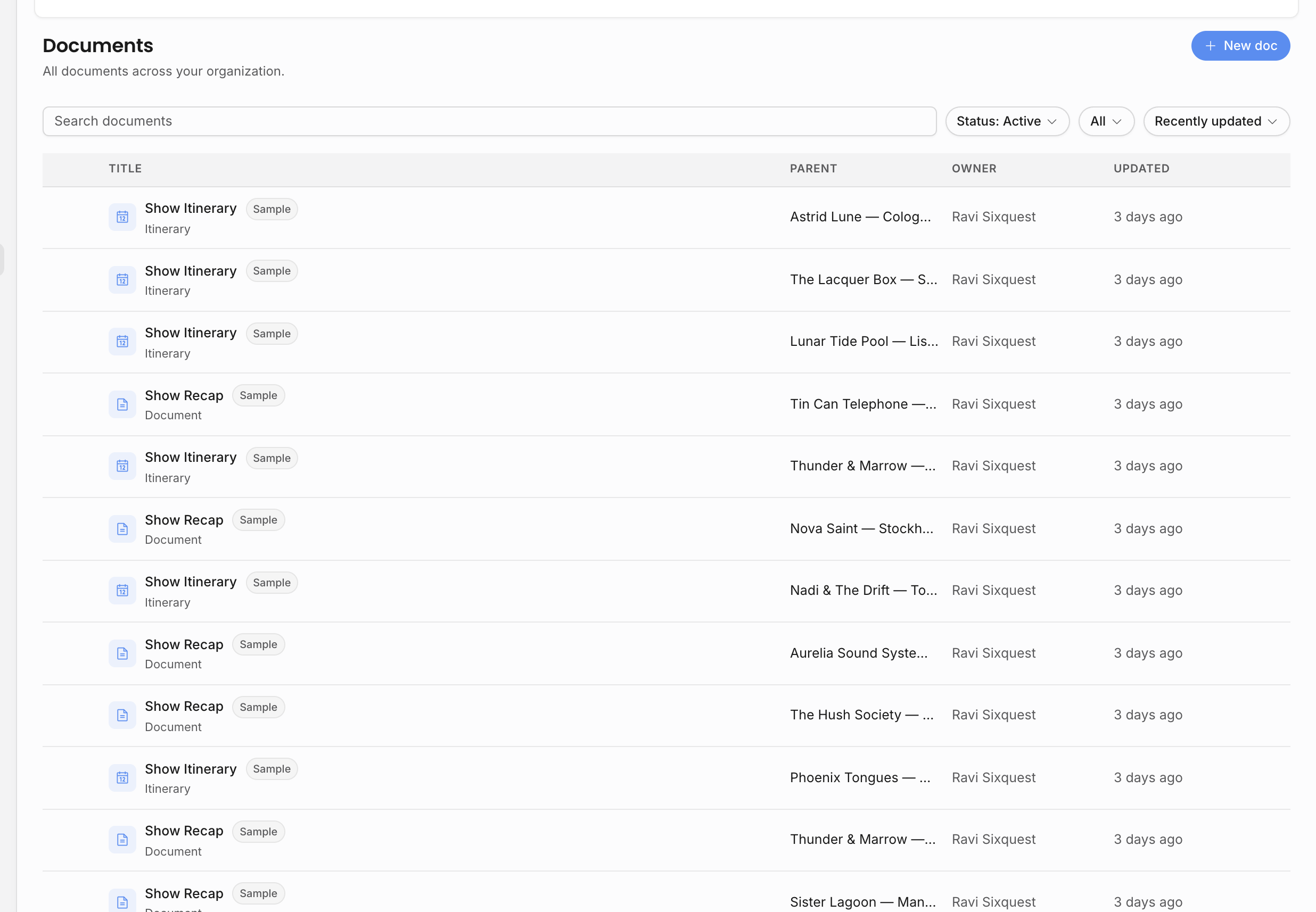
The document list is permission-scoped. It only returns documents you can view, and search narrows that already-gated set. Search can match document title, document kind, parent event, parent artist, event artist, venue, or organizer. Filters can narrow by type, parent, ownership, active/archive status, and sort order.
Resources and archives
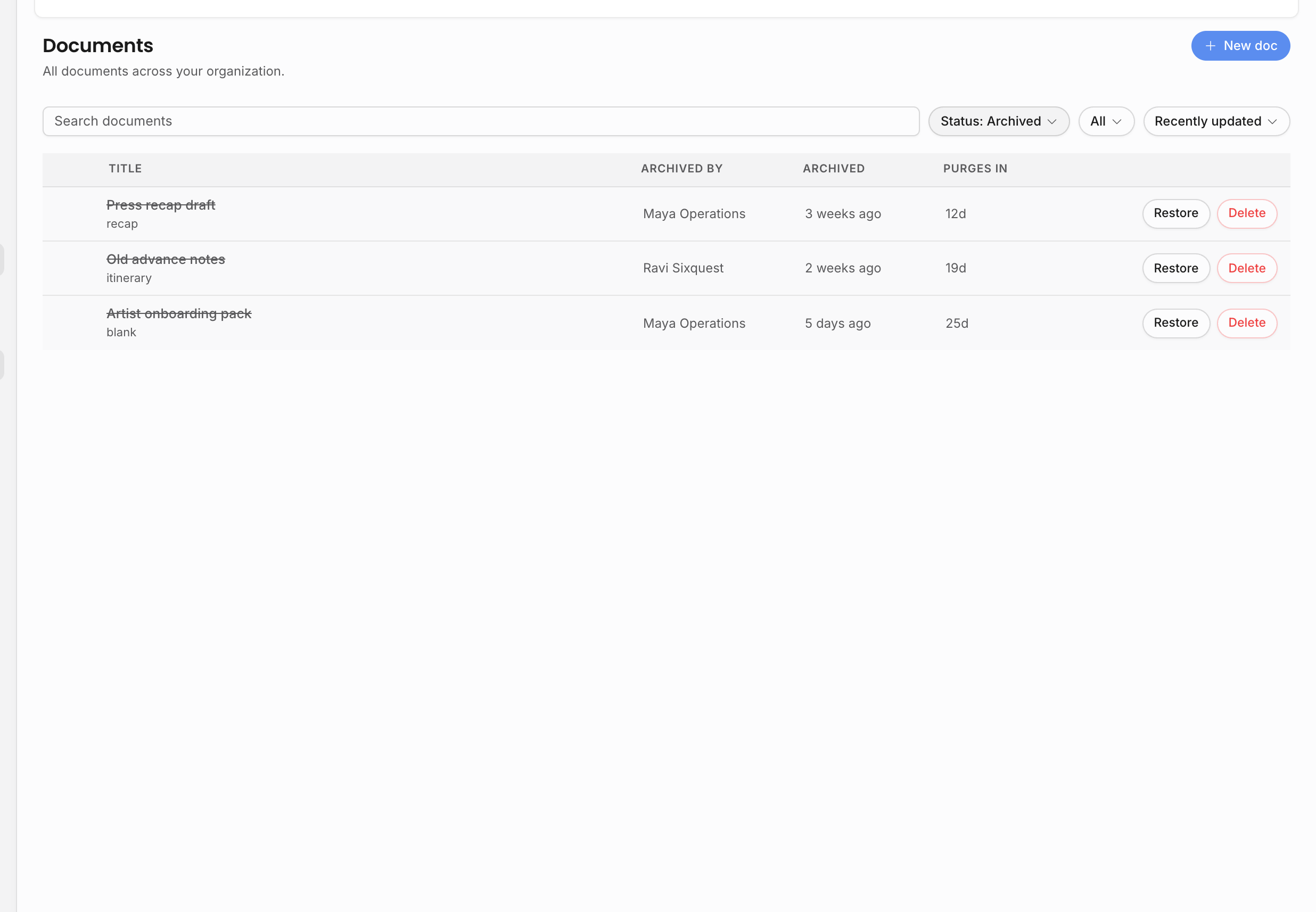
Documents can appear as resources on an event or artist page. Archiving removes a document from active work without permanently deleting its history.
Event resources are the most connected document location. From an event-owned document, the chrome keeps the event context visible, lets you switch to sibling documents on the same event, and can add another document, link, or uploaded file to the event's resource set when your permissions allow it. Artist-owned documents can similarly sit with the artist's other resources and follow artist scope. Organization and personal documents are library items first; they are useful when the document should not belong to one show or artist.
Archived documents disappear from the default active lists and event or artist resource areas, but they are not immediately destroyed. Restore an archived document when it should return to active work. Restore follows the same practical edit boundaries as active documents: creators can restore their own documents, owners/admins can restore non-private documents, and team editors can restore documents they are allowed to edit.
Permanent deletion is stricter: the document must already be archived, and the user must be the creator, an admin, or an owner. The delete confirmation also accounts for related comments, invites, and share links.
How documents relate to contracts and invoices
Contracts and invoices use the same document editor foundation, but add records around it:
| Document-backed record | Extra behavior |
|---|---|
| Contract | Deal-line selection, contract number, counterparty, unsigned PDF, email send, countersigned PDF upload, and cancellation state. |
| Invoice | Billed-line selection, invoice number, issued PDF, email send, payments, schedules, voiding, and credit notes. |
| Blank or itinerary document | Normal editor, templates, resources, sharing, archive, export, comments, suggestions, and locks. |
This shared model matters when you copy, archive, share, or export: the document body is one part of the workflow, while the contract or invoice record carries the financial and lifecycle state.
Visibility and access
Documents have their own visibility tier, but parent access still matters. A team member must be able to reach the parent event, artist, organization, or personal owner before the document becomes visible through normal workspace navigation.
| Access layer | What it means |
|---|---|
| Restricted | Only the document creator can read the document through normal workspace access. Owners and admins can manage visibility, but private content remains creator-only unless explicitly shared. |
| Team viewer | People who can reach the parent can view the document, but team editing is disabled. |
| Team editor | People who can reach the parent and hold the relevant edit permission can edit. Event docs use event edit permission, artist docs use contact edit permission, organization docs use organization-doc edit permission, and personal docs remain personal unless promoted. |
| Explicit invite | A named invite can grant view, comment, or edit access independent of the normal visibility tier. |
| Anonymous share link | A bearer link grants view-only access while active. |
Related: Create and edit documents, Create a contract, Invoice and get paid.