
Loop tables and blocks
Loops and blocks help documents represent repeated structured data without manual copying.
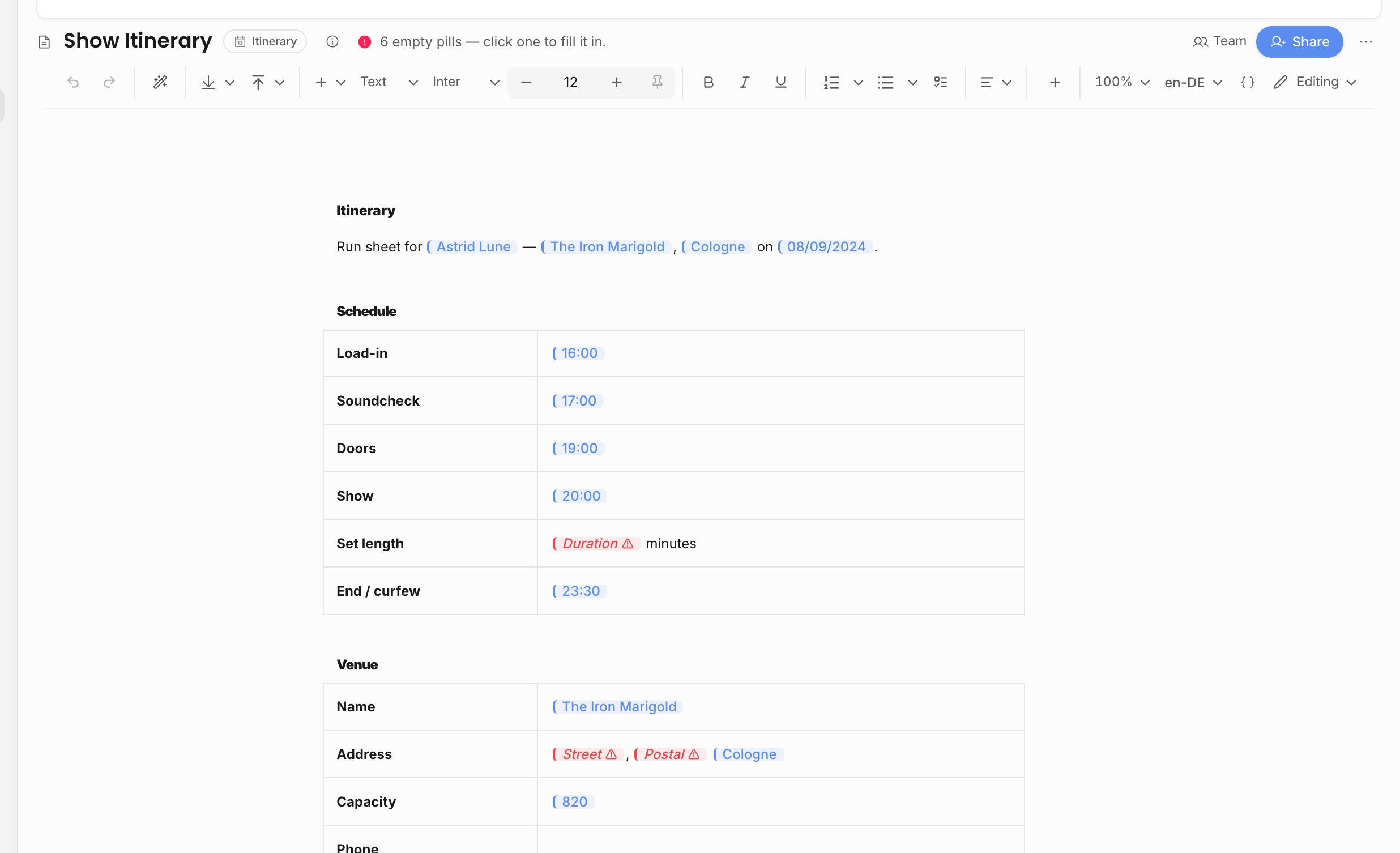
Loop tables
Use loop tables when a document needs one row per item. A loop defines the collection, then the row inside the loop defines how each item should render. The fields inside the loop come from the current item, not from the whole event.
Use Insert loop when you want a repeated prose section. Use Insert loop table when the result should be a table with one row per item. Both actions are available from the + insert menu and the slash menu in document and template editors that support itinerary-style fields.
| Collection | Good use |
|---|---|
| Guest list | One row per named guest or allocation. |
| Line items | One row per revenue or expense line, with quantity, unit price, tax, net total, gross total, counterparty, and accounting code. |
| Tasks | One row per task with title, due date, and status. |
Line-item loops require financial access because the source collection itself is financial data. If the viewer cannot see financial data, line-item options are not offered or filled.
Loop tables are best when the document should stay complete as the linked show changes. For example, an advancing sheet can list every guest, a settlement note can list every relevant line item, and a prep document can list every task that still needs attention. If a show has no rows for the chosen collection, the loop resolves empty instead of inventing placeholder rows.
Inside a loop, insert fields for the current item. A guest loop should use guest fields such as name, role, and +1 count. A task loop should use task title, due date, and status. A line-item loop should use line-item fields such as description, quantity, tax, net total, gross total, and counterparty.
Line-item blocks
Line-item blocks are useful for contracts, invoices, and deal summaries. They can show selected revenue or expense lines and keep totals aligned with the show financials. Use them when the document needs a structured financial table instead of scattered one-off pills.
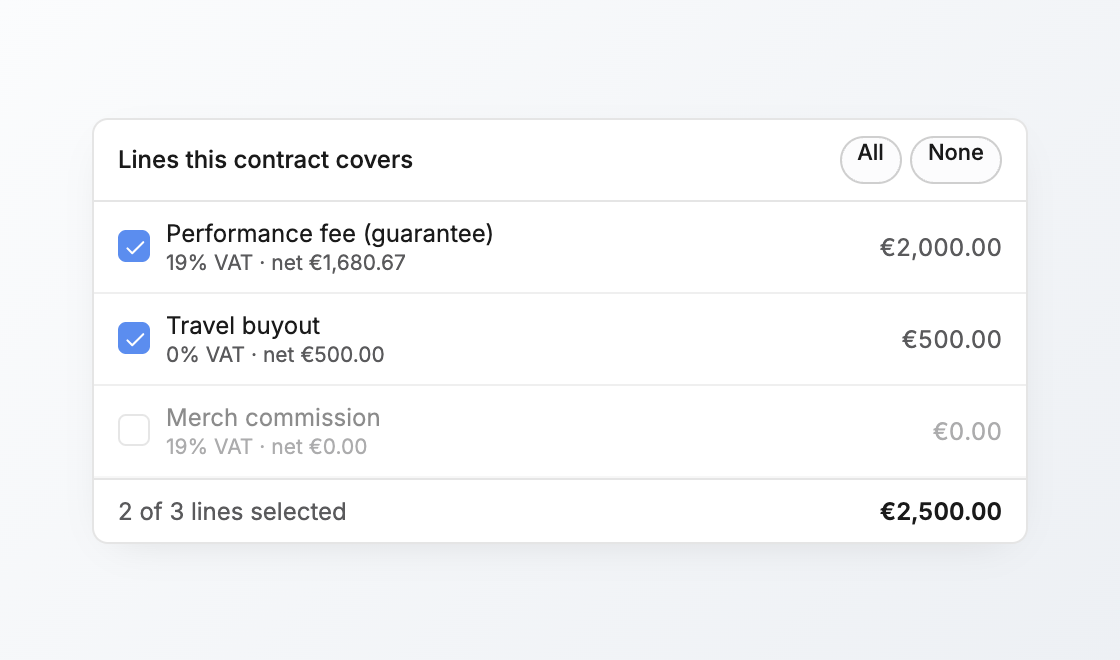
For contracts and invoices, line selection is part of the lifecycle record. The selected deal or billed lines decide what that contract or invoice document should include. This is different from a generic document table where the author manually adds rows.
Named line-item pills
When an event has named revenue or expense lines, the picker can expose those names so an author can insert a specific item's field, such as the net total of one revenue item. Empty line-item descriptions are skipped because they cannot be referenced reliably by name.
Use named item pills for one-off clauses. Use loop tables or line-item blocks when the document should show a full list.
| Situation | Use |
|---|---|
| A clause references one known line, such as "artist fee" or "deposit". | Named line-item pill. |
| The document should show every selected revenue or expense line. | Line-item block or loop table. |
| The contract or invoice lifecycle owns which lines are included. | The record's line selection, then the document body can render that selection. |
| The team is drafting a general table with manual rows. | Normal editor table, not a loop. |
Other editor blocks
The editor also supports normal rich-text blocks, tables, page breaks, contact tables, callouts, links, media, mentions, comments, and suggestions. For operational documents like itineraries, ordinary tables are often enough; use loops when the number of rows should come from data, such as tasks, guests, contacts, or line items.
Page breaks and structured blocks are useful when the final PDF matters. A long itinerary, contract, or invoice should be checked in preview/export form because a block that reads well in the editor can still need spacing or page-break adjustment in the rendered document.
Related: Live pills, Create a contract, Invoice and get paid.