
Event times and time zones
Booking spans time zones: your team, the venue, and the artist can all be in different places. Offstage handles event times in a way that avoids the classic "wait, is that my time or theirs?" confusion.
The rule: local to the place it happens
Every event time you enter is the local time of the place the event happens. A show at 20:00 means 20:00 at the venue. A flight that departs at 09:00 departs at 09:00 in its city. Offstage stores these as plain wall-clock times, so they never shift around based on who is looking.
For example, if you book a show at 20:00 and a colleague in another country opens it, they also see 20:00, not a converted time. The number you typed is the number everyone reads.
Why this matters
Most calendar apps convert times to the viewer's own zone, which is exactly wrong for booking: a load-in is a load-in at the venue, no matter where you are sitting. By keeping times local to the venue, Offstage matches how the day actually runs on the ground.
Time zone labels
When Offstage knows the venue's real location, it adds a small zone label next to the time (for example, a show reading 20:00 with the venue's offset), so a reader far away can still tell what "20:00" means in their own terms. The label is just information: changing or resolving a zone never moves the time you typed.
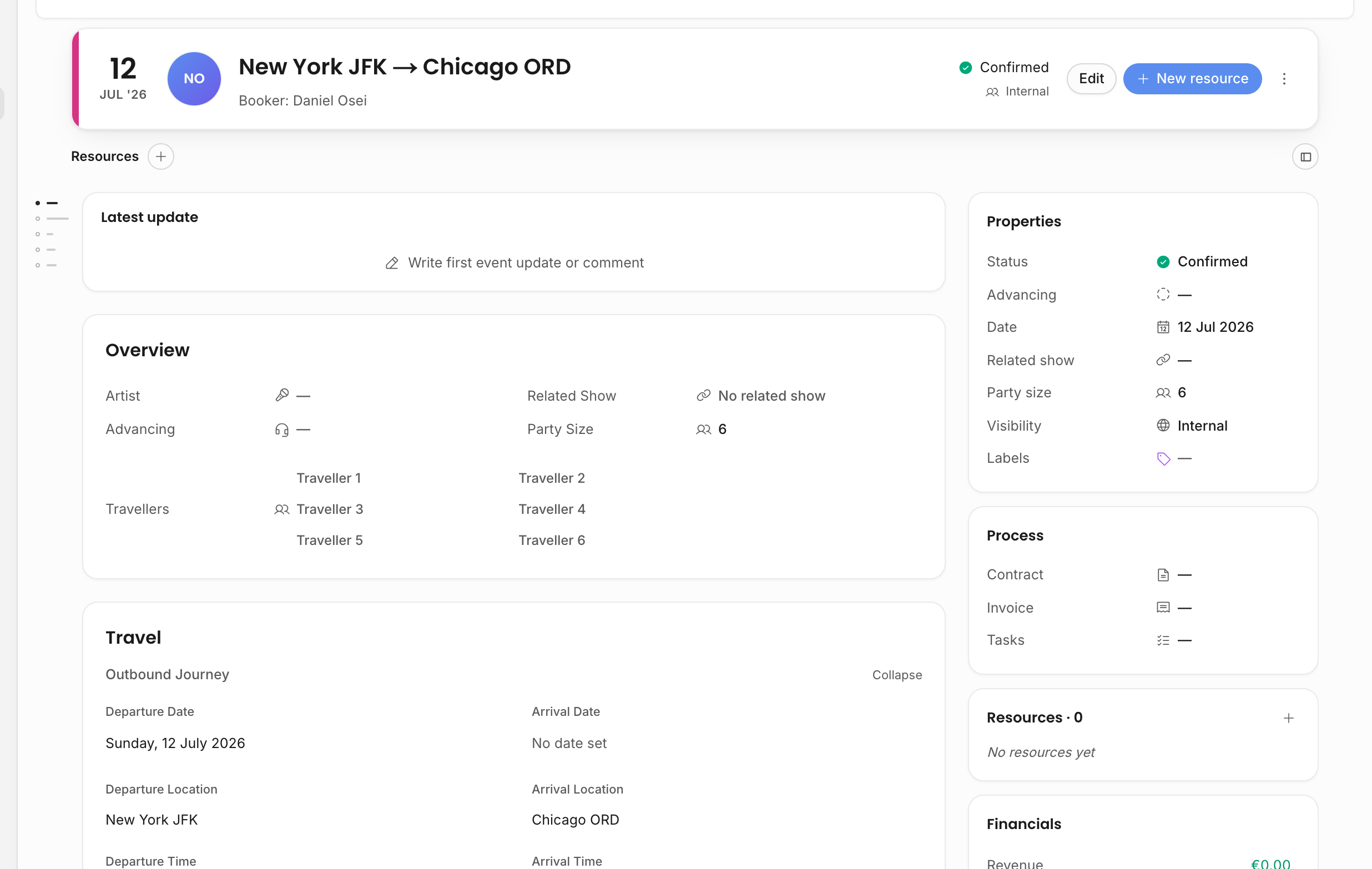
Travel events can carry two zones at once, because a trip departs in one place and arrives in another. Offstage labels each end with its own local time.