
Key concepts
These are the product concepts that show up across Offstage. If a Help Center page uses one of these words, this is what it means.
Your workspace
Everything you do lives inside your agency's workspace. Your team shares it, and it is completely private to your agency. Nobody at another agency can see your artists, shows, or numbers. For example, if you invite a colleague, they join your workspace and see the same calendar you do, with the access their role allows.
Events: shows, travel, and general
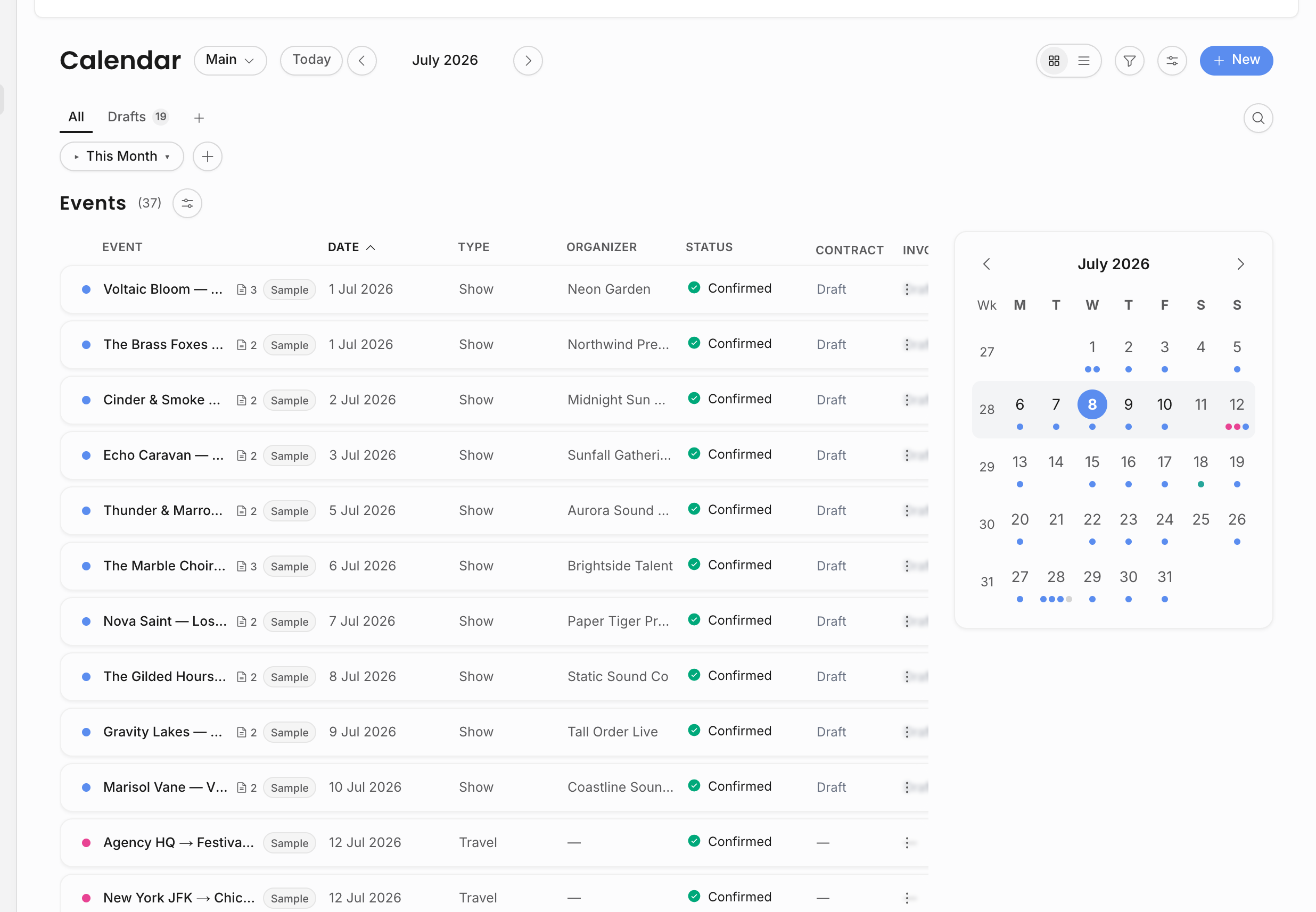
The calendar holds three kinds of event:
- A show is a booked performance: an artist, a date, a venue, and an organizer.
- A travel event is a trip tied to a show, like a flight or a hotel stay, with its own departure and arrival times.
- A general event is anything else worth putting on the calendar, like a promo day or a team meeting.
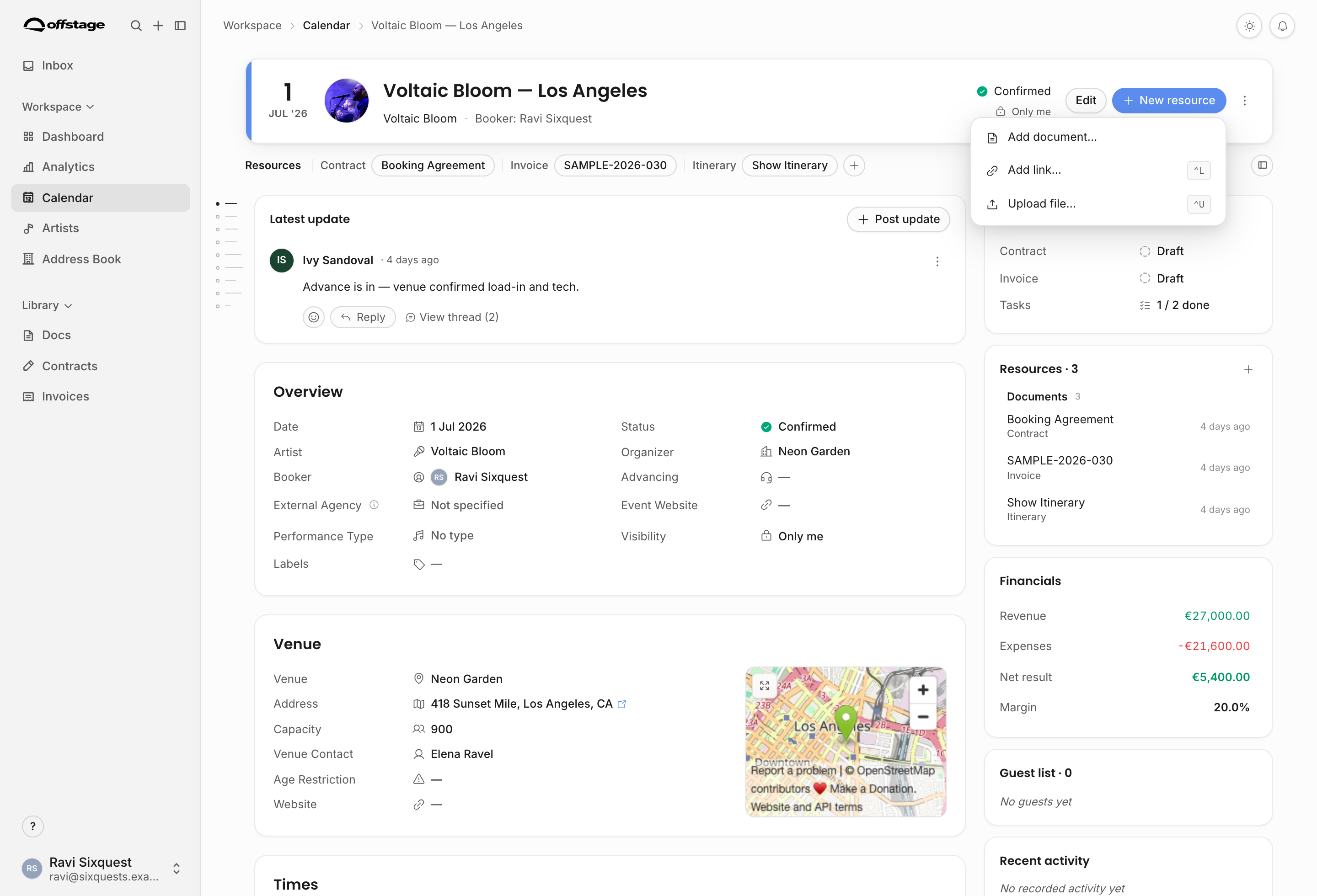
The show detail page is the main workspace for a booked show.
Artists and the address book
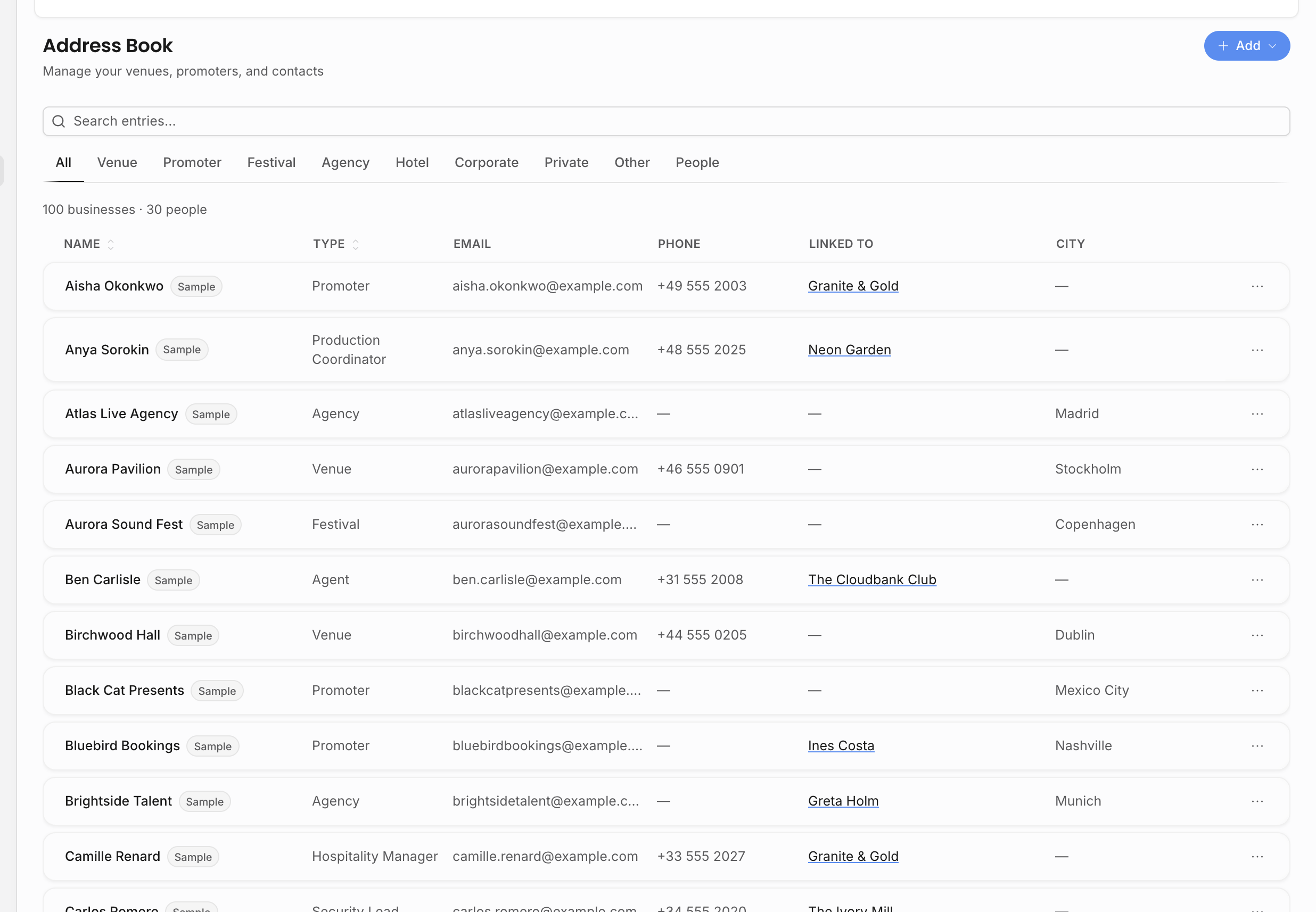
An artist is anyone you book. The address book holds the people and places you work with: venues (where shows happen), organizers (who books the show with you), and individual people (your day-to-day contacts). For example, a single show links one artist, one venue, and one organizer.
Resources and documents
Resources are the files, links, and documents attached to a show or artist. Contracts, invoices, itineraries, riders, recaps, and uploaded files belong here. Contracts and invoices are document-backed records: the body is editable like a document, while lifecycle, numbers, counterparties, payments, and signed or issued PDFs live on the contract or invoice record.
Line items and money
Show finances live as revenue and expense line items on the show. Contracts can select revenue lines for deal value. Invoices can select revenue lines for billing. Credit notes can post correcting lines back to the show.
Analytics
Analytics reads from your operational records: shows, artists, venues, organizers, bookers, dates, cities, statuses, and line items. If a chart looks wrong, the fix is usually on the underlying show data.
Roles keep the right people in the right place
Each teammate has a role that decides what they can see and do. Roles are configurable, so the role name is less important than the permissions behind it. Artist scope can narrow someone to part of the roster. See Roles and permissions for the full picture.
Ready to build something real? Head to the Quickstart or start the Guided tutorials.