
Administrative settings
Administrative settings are the lower-frequency controls that keep the workspace usable, quiet, and ready for real agency work.
Personal settings
Profile and preferences affect the current user.
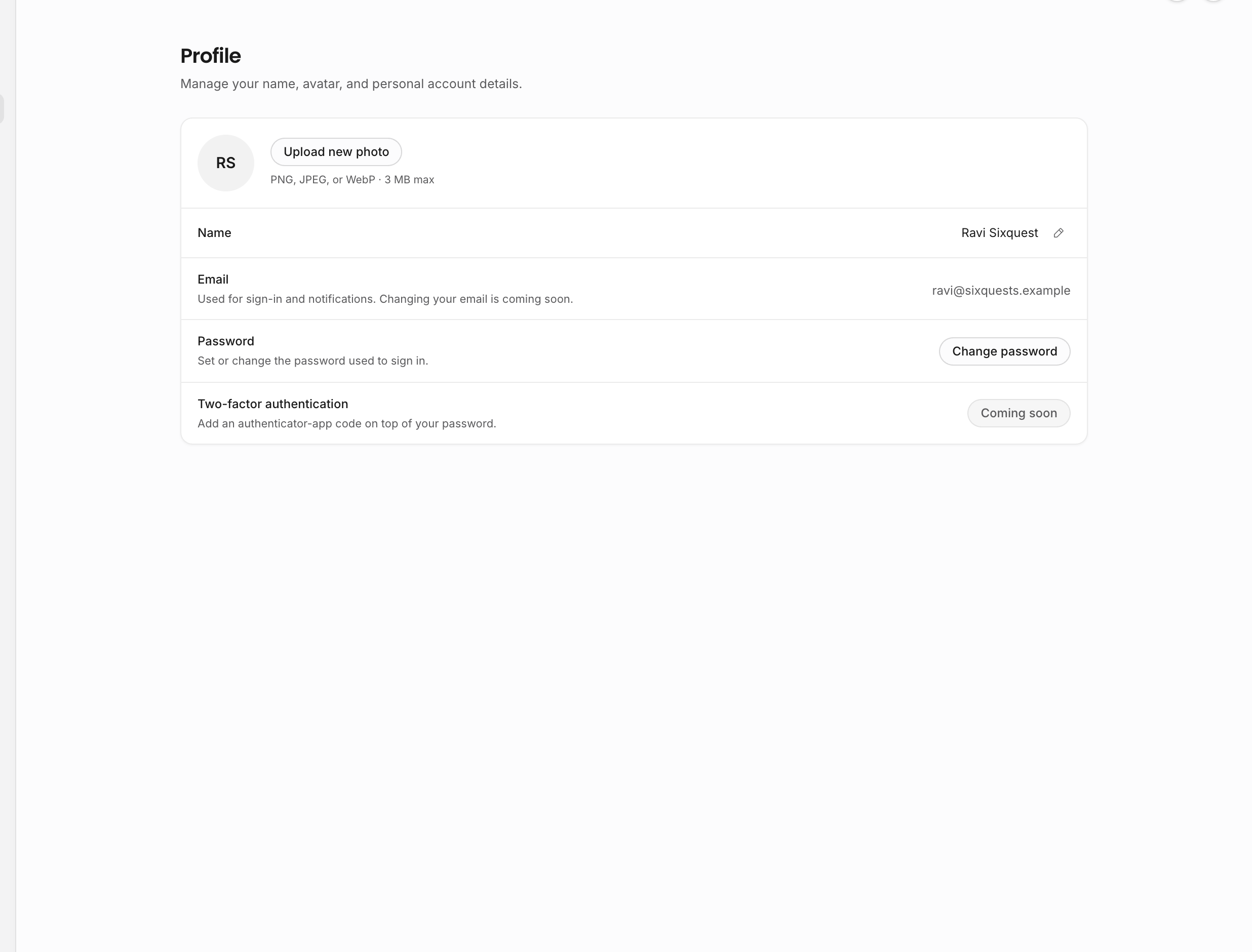
| Page | What it controls |
|---|---|
| Profile | Display name, avatar upload/removal, read-only email display, and password changes. |
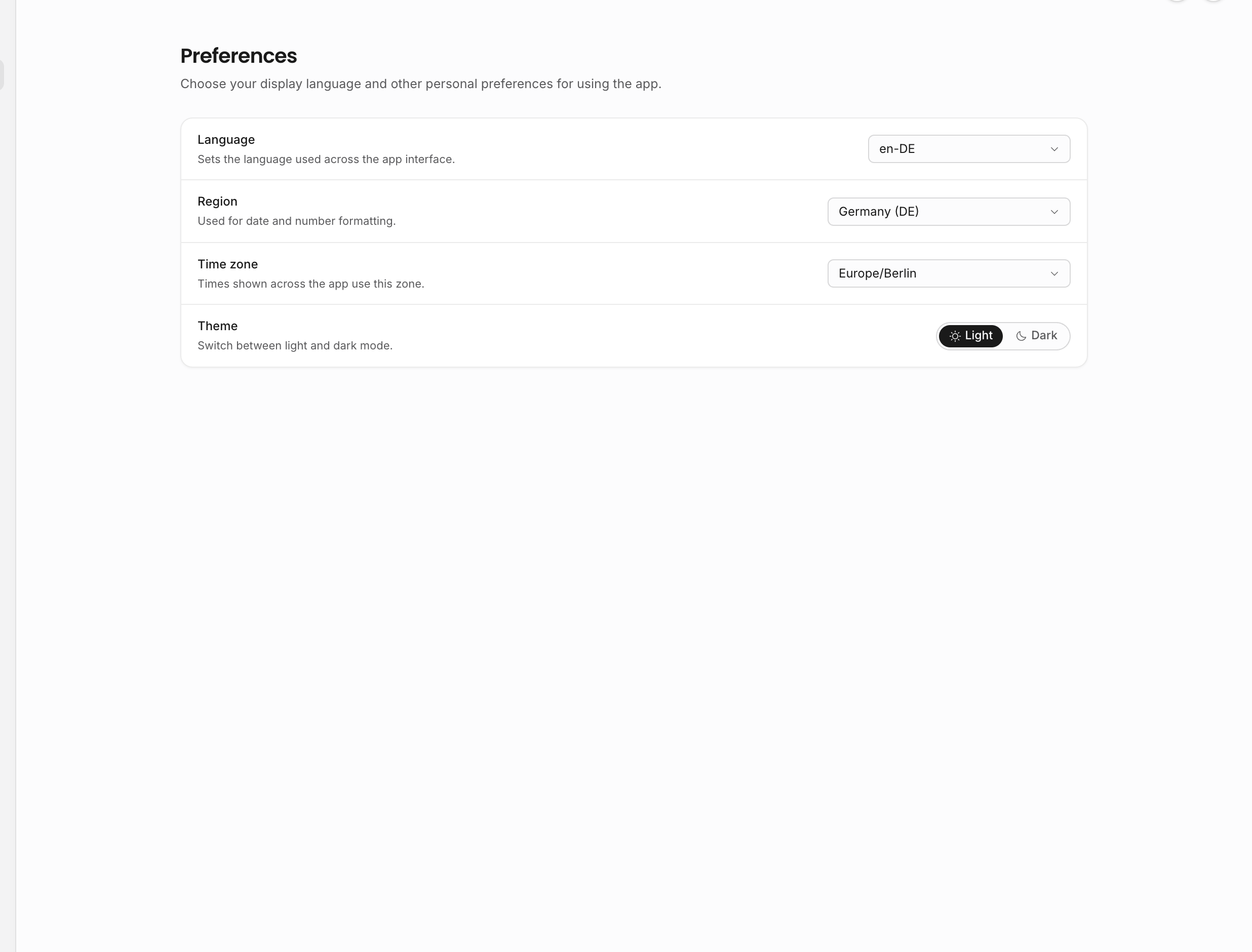
| Preferences | App language, formatting region, personal time zone, and light/dark theme. |
The email row is informational today. To change the sign-in email, handle it through support until the verification flow is exposed in-product. Password changes use the account password dialog and revoke other sessions after a successful change. Two-factor authentication is shown as a coming-soon security row, not an active setup flow.
Preferences are not cosmetic only. Language changes app labels. Region and time zone affect date, time, and number formatting for the current user. Theme is stored separately from workspace data, so your interface can stay light or dark without changing what teammates see.
Notifications
Notification settings are per user and permission-aware. The page shows toggle groups that match the workflows the user can access:
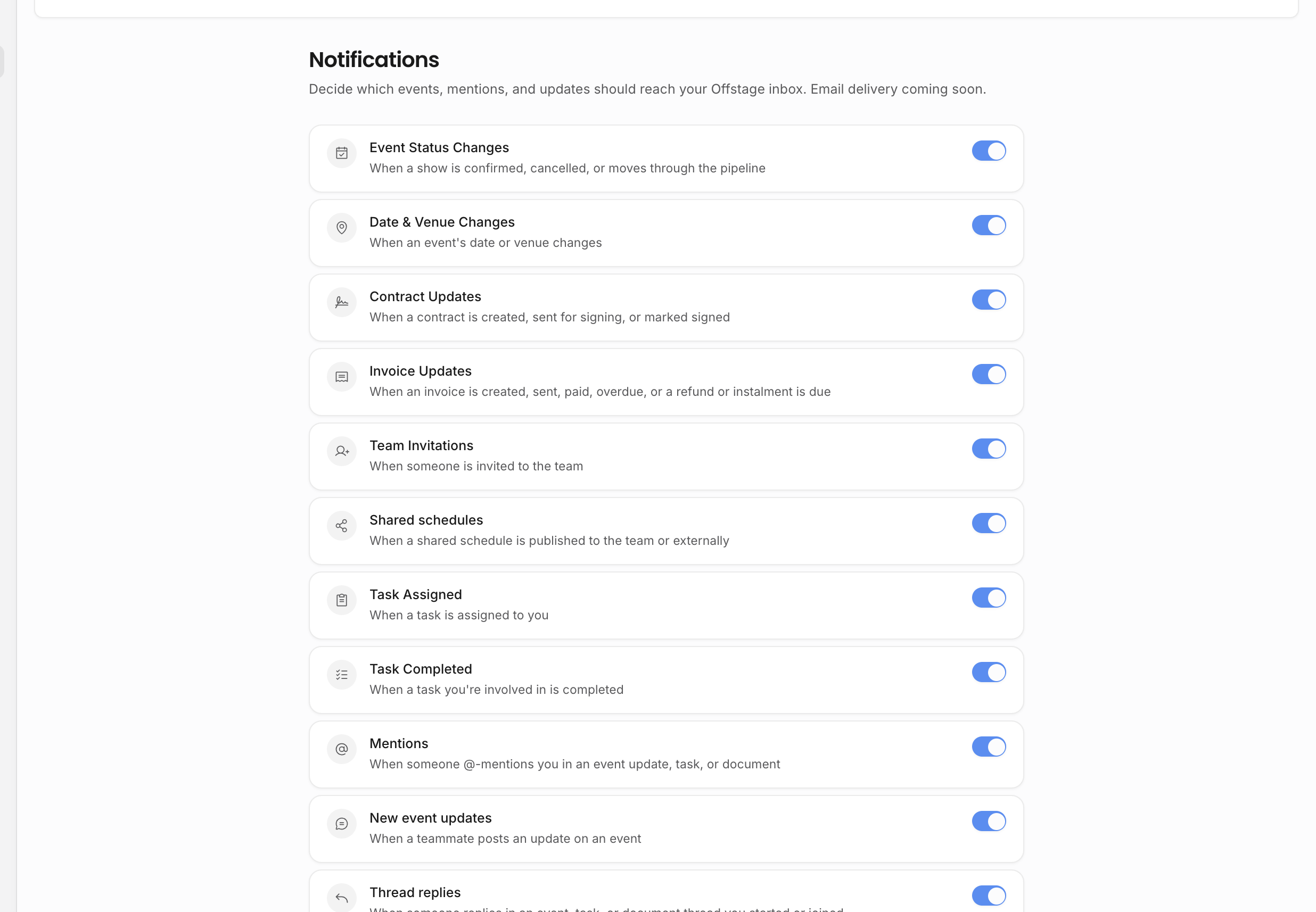
| Notification group | What it covers |
|---|---|
| Event status changes | Show status updates. |
| Event date or venue changes | Important schedule/location changes. |
| Contract activity | Created, sent, and signed contract events when the user can view contracts. |
| Invoice activity | Created, sent, paid, overdue, split due date, and credit-note refund events when the user can view invoices. |
| Team invites | Invitation activity for users with team-management access. |
| Tour calendars | Tour calendar activity. |
| Tasks | Assigned and completed task activity. |
| Mentions and replies | Mentions, event updates, and thread replies. |
| Document activity | Comments, replies, suggestions, resolved suggestions, and document invite activity. |
Use notification settings to reduce noise for a role without weakening that role's permissions. If someone should not see invoices at all, change their role or individual permission. If they should see invoices but do not need every invoice ping, adjust notifications.
Turning off a notification group does not hide the underlying records. It only changes whether that user receives that class of notification. Permission-gated rows, such as contract and invoice notifications, only appear when the user has access to that workflow.
Sample data
Sample data lives in Settings for managers because clearing or restoring it affects many records. The sample-data page is visible to users who can manage organization settings. It shows whether sample records are present, the current sample-record count when available, and actions to clear or restore the dataset.
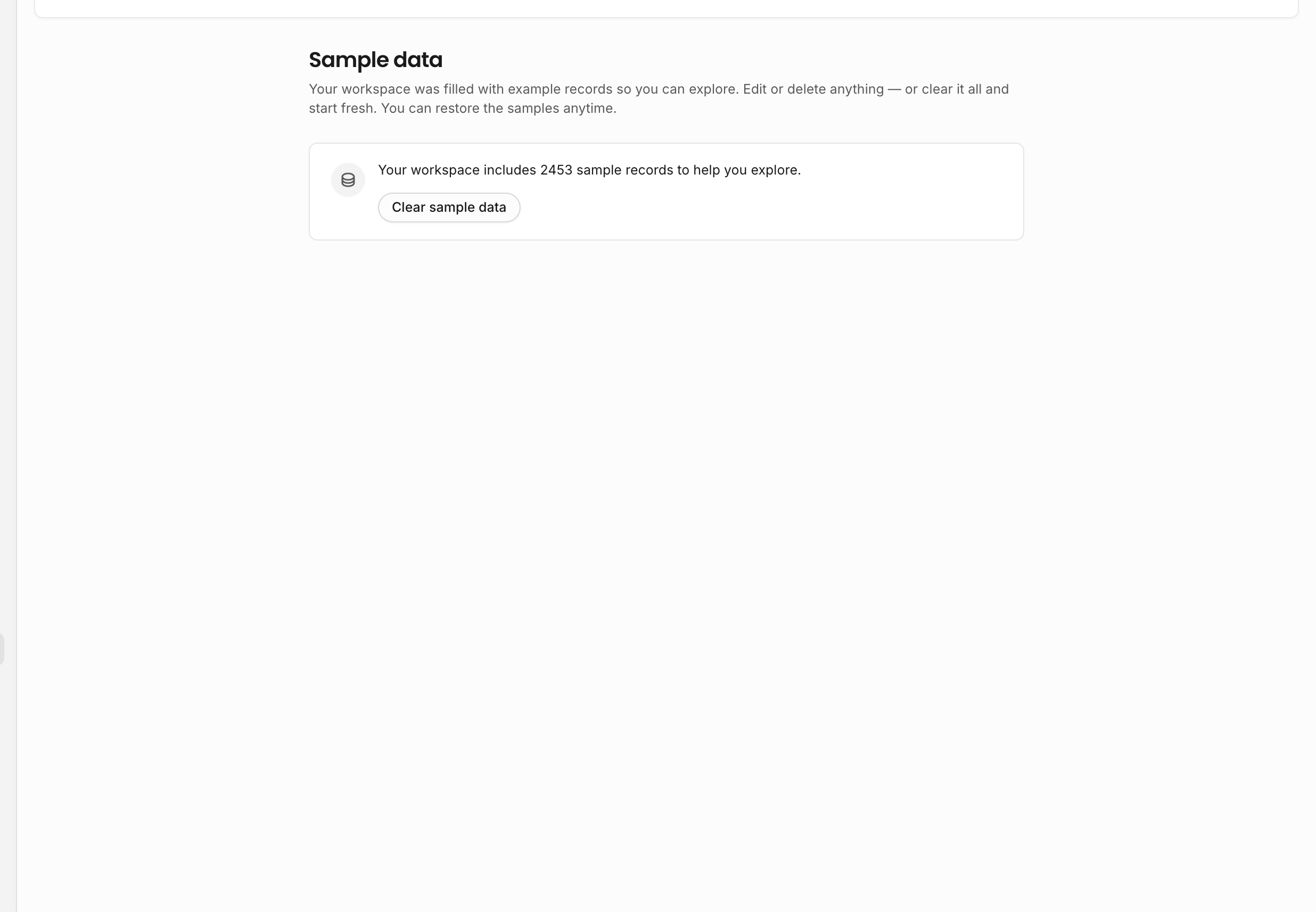
Use sample data for onboarding, testing, tutorials, and Help Center media. Clear it before the workspace becomes operational so demo contracts, invoices, shows, and analytics do not mix with real agency work. The first clear uses a confirmation flow; restoring sample data is a deliberate action from the cleared state.
Billing, integrations, and import/export
Billing, integrations, and import/export are reserved administrative settings areas today. They are permission-gated and currently show coming-soon placeholders.
| Page | Current state |
|---|---|
| Billing & plan | Visible only to users with billing access. The page is reserved for subscription, billing details, and payment method management. |
| Integrations | Visible to users who can manage organization settings. The page is reserved for future workspace connections. |
| Import & export | Visible to users with export-data access. The page is reserved for controlled data movement into or out of Offstage. |
Treat these as administrative entry points rather than daily workflow pages until the placeholders are replaced with full controls. If an agency needs migration help before import/export is live, use the onboarding and migration process rather than trying to run an in-app export flow that is not available yet.
Who should manage these pages
Give administrative settings to trusted users only. Profile, preferences, and personal notifications can be adjusted by the user who owns them. Sample data, billing, integrations, import/export, organization details, and template settings affect the workspace and should stay with owners, admins, or carefully configured roles.
Related: Organization setup, Sample data, Roles and permissions.