
Sample data
New workspaces start with sample artists, venues, organizers, shows, contracts, invoices, documents, tasks, updates, and line items. The goal is simple: you should land in a real-feeling workspace instead of an empty shell.
What sample data is for
Use sample data to understand the shape of Offstage:
- open a show and see the overview, location, finances, tasks, resources, and update thread;
- explore Analytics with meaningful charts and leaderboards;
- inspect example contracts, invoices, and reusable document templates;
- try guided tutorials before your own agency data is complete.
The Guided tutorials use the sample show when it exists. If sample data is gone but your workspace has a real show, the show-tour tutorial can still run in read-only mode without asking you to edit or post on that show.
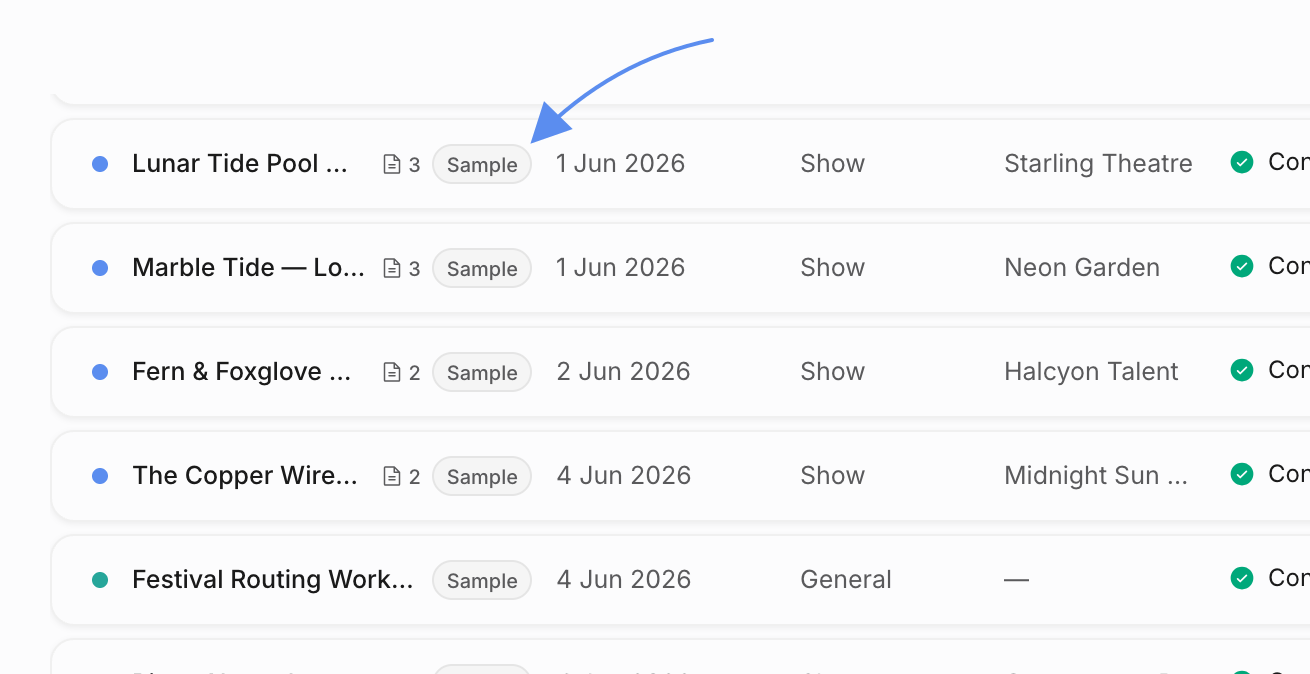
Sample records are marked
Sample rows show a sample badge on list surfaces such as the calendar, artists, contacts, contracts, invoices, and documents. They live in the same workspace as your real data, but Offstage tracks which rows are sample rows so they can be cleared later.
Editing adopts a sample record
If you edit a sample event, artist, contact, contract, invoice, or document, Offstage treats that row as adopted by your team. Adopted rows stop being cleared with the rest of the sample dataset.
This lets you turn a sample record into a real working record. Clear sample data only removes rows that are still marked as sample.
Clear or restore sample data
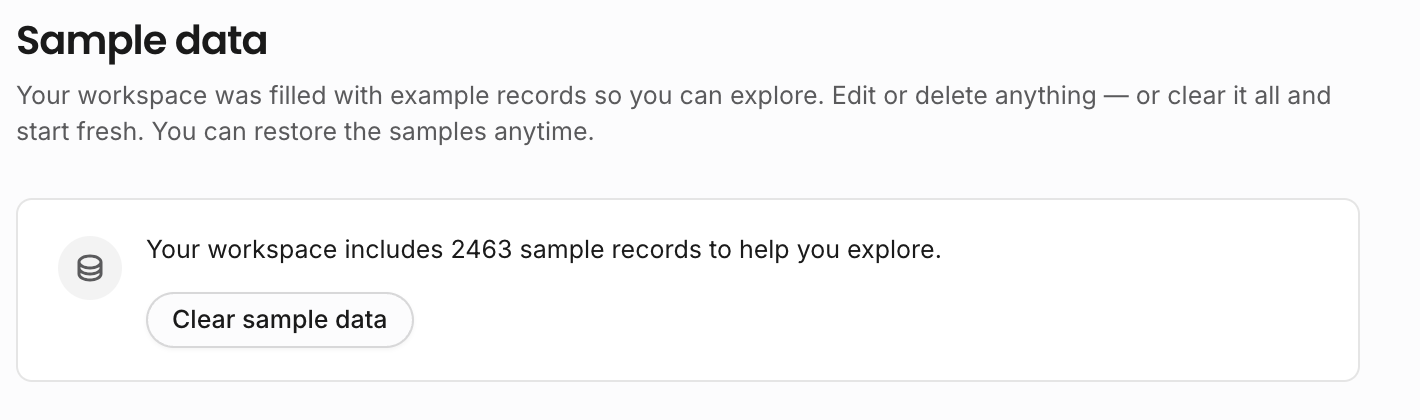
Owners and teammates with workspace settings access can clear sample data from Settings. The first clear shows an explanation; later clears are quicker and can be undone by restoring the sample dataset.
Starter document templates can remain after clearing sample data, because they are useful as reusable templates for real work.